Centralized Messaging Workspace vs Separate Inboxes: A Strategic Comparison
Compare a centralized messaging workspace against separate inboxes for WhatsApp, Telegram, and LINE to determine the right messaging model for your team.
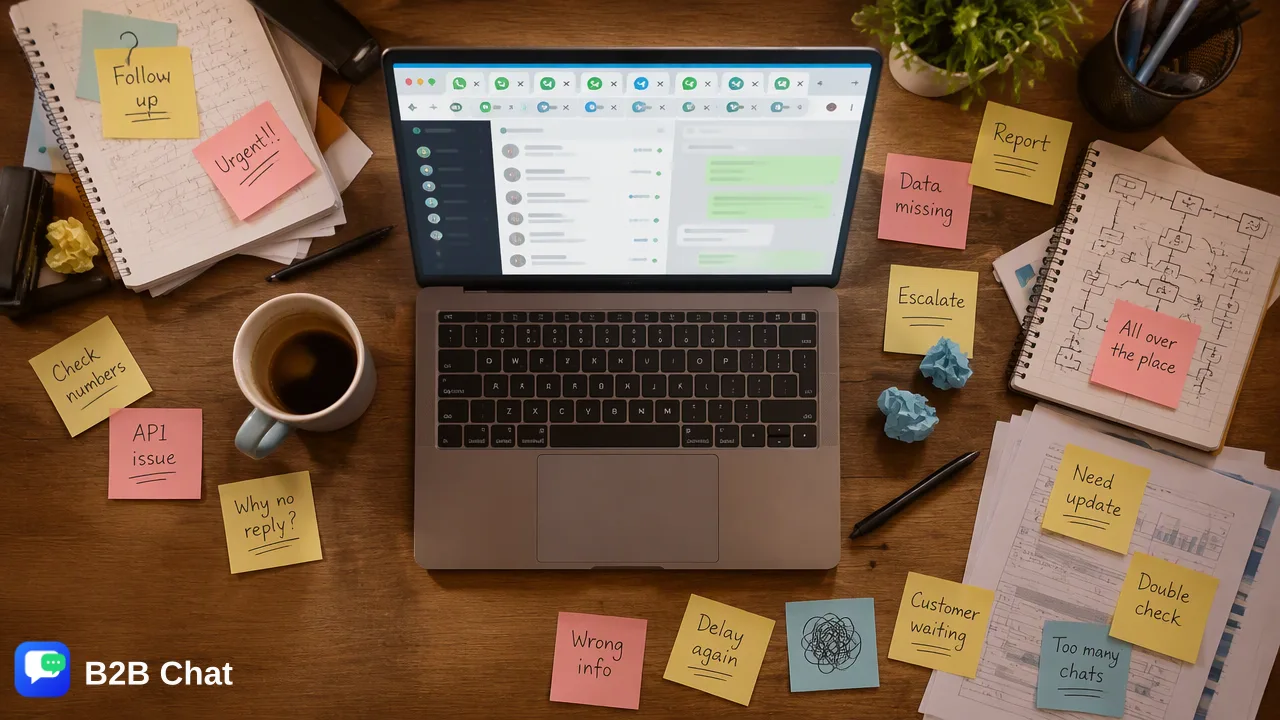
Compare centralized messaging workspaces against separate native inboxes across WhatsApp, Telegram, and LINE to determine the right operating architecture for team visibility, cross-border communication, and scaling support workflows.
A centralized messaging workspace aggregates multiple accounts and platforms into a single interface, giving operations teams consolidated visibility, smoother internal handoffs, and consistent customer conversation management. In contrast, separate inboxes rely on native applications or web sessions for each account, which works well for single-operator setups with low incoming message volume but introduces context switching, fragmented oversight, and delayed responses as account counts grow. Organizations managing multiple WhatsApp, Telegram, or LINE accounts generally benefit from centralizing operations when message volume, team size, and multilingual demands outgrow native client workflows.
The Operational Reality of Separate Inboxes
Operating customer communication through separate native inboxes means staff members manage each WhatsApp, Telegram, or LINE channel directly inside its independent web portal or mobile application. For solo entrepreneurs, localized boutique operations, or early-stage initiatives handling limited customer touchpoints, native inboxes offer simplicity. They require no new interface setup, retain platform-native interface conventions, and demand zero software onboarding beyond standard application downloads. However, this model degrades quickly as communication channels expand across different regions, campaigns, or agents. When team members must juggle multiple phone numbers or handle independent accounts on both WhatsApp and Telegram, several operational friction points emerge:
- Context Switching: Operators spend significant administrative time toggling between disparate desktop apps, browser windows, and session logins to track customer queries. - Fragmented Visibility: Supervisors and peer agents lack a unified dashboard to see pending queues, active discussions, or response delays across different customer channels. - Handoff Friction: Reassigning a customer thread or seeking collaboration from a specialist requires manual copy-pasting of context across internal tools, increasing the risk of lost conversational context. - Language Barriers: In cross-border environments, native apps force staff to manually copy foreign-language messages into third-party translation tools, which slows down interaction cycles.
The Case for a Centralized Messaging Workspace
A centralized messaging workspace consolidates disparate accounts into a unified desktop application, functioning as a dedicated operational hub. Platforms such as B2B Chat provide downloadable clients for Windows and macOS, allowing teams to log into and manage multiple WhatsApp, Telegram, and LINE accounts simultaneously from a single environment. By unifying multiple account streams, a centralized workspace introduces several structural improvements for scaling support and marketing teams:
| Capability | Separate Native Inboxes | Centralized Messaging Workspace |
|---|---|---|
| Account Management | Isolated logins per app or browser profile | Multi-account aggregation in one downloadable client |
| Channel Scope | Individual WhatsApp, Telegram, or LINE windows | Unified view across WhatsApp, Telegram, and LINE |
| Multilingual Support | Manual copy-paste into third-party translators | Automatic language detection across 200+ languages |
| First-Line Assistance | Manual drafting or basic native canned replies | Intent-based response assistance informed by context |
| Operational Visibility | Siloed per device or active login session | Centralized conversation tracking for assigned operators |
| In addition to consolidating conversational streams, centralized platforms can layer contextual automation over daily message management. For instance, B2B Chat integrates AI translation that automatically detects customer languages across more than 200 languages and refines phrasing using conversational context. Furthermore, AI customer service capabilities interpret customer intent to assist agents with automated first-line replies, reducing routine typing while keeping human operators in control. |
Decision Framework: When to Centralize
Deciding whether to retain separate native inboxes or migrate to a centralized workspace depends on communication volume, channel diversity, and organizational growth objectives. Teams can evaluate their readiness using the following criteria:
When Separate Inboxes Are Sufficient
- Single Channel and Low Volume: The business communicates through only one WhatsApp or Telegram line with manageable daily message counts. - Individual Ownership: A single representative handles all inbound and outbound discussions without needing to reassign tickets or share conversational history. - Monolingual Operations: The audience speaks the team's native language, making real-time translation assistance unnecessary. ### When a Centralized Workspace Is Necessary
- Multi-Account Operations: The business operates multiple WhatsApp, Telegram, or LINE profiles across departments, sales reps, or geographic campaigns and needs open port flexibility without arbitrary account limits. - Cross-Border Reach: Agents regularly communicate with international customers across varying languages, where built-in automatic language detection and context-aware translation help maintain professional standards. - High Inbound Queues: Customer inquiries require structured first-line response assistance to interpret intent and support human operators during peak message flow. Migrating to a unified architecture helps eliminate operational blind spots, minimizes manual tab switching, and equips support and growth teams with the structural foundation needed to manage global customer communications efficiently.
FAQ
What are the primary operational benefits of a centralized messaging workspace?
A centralized messaging workspace brings multiple communication lines—such as separate WhatsApp, Telegram, and LINE accounts—into a single desktop client. This setup provides unified visibility across incoming chats, minimizes the need for staff to toggle between isolated browser tabs or desktop apps, and facilitates structured team handoffs. It also creates a single operational hub where assistive tools like contextual AI translation and automated first-line responses can assist daily support workflows.
When should an organization transition from native inboxes to a centralized tool?
Teams typically transition when managing multiple accounts on WhatsApp, Telegram, or LINE becomes an operational bottleneck. Key indicators include agents losing track of conversations across disjointed apps, rising response times caused by manual switching, and the operational complexity of supporting cross-border inquiries across multiple languages. If an organization operates multiple customer-facing accounts across regions or campaigns, a centralized workspace helps maintain unified oversight.
Does a centralized workspace support multiple messaging platforms simultaneously?
Yes. A centralized platform like B2B Chat connects and operates multiple accounts across WhatsApp, Telegram, and LINE concurrently within a single downloadable client available on Windows and macOS. This multi-account aggregation allows operators to oversee distinct marketing and customer-support channels from one location without logging in and out of native web sessions.
Learn More
Choose the product information that fits the next step in your workflow.