Virtual Phone Systems for Business Communication
Transition to a virtual phone system for business. Learn how to centralize WhatsApp and Telegram accounts and use AI to assist global customer support.
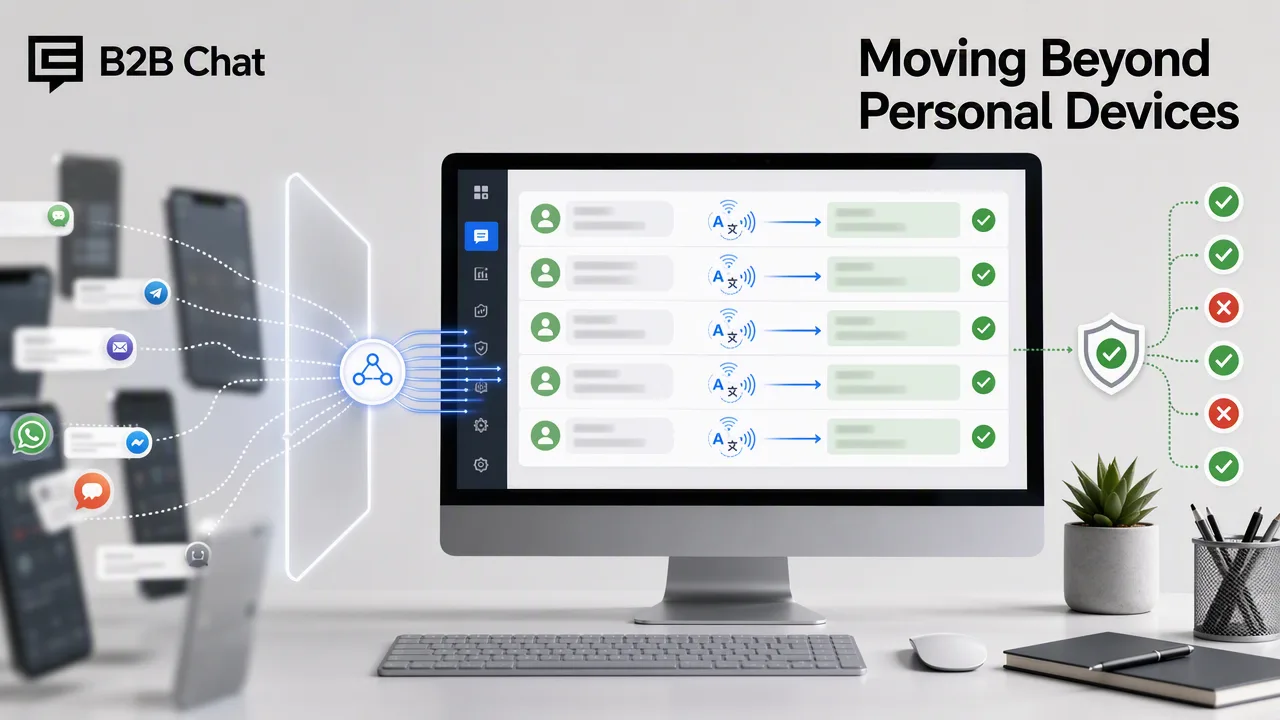
Learn how transitioning to a centralized virtual phone system for business helps teams manage WhatsApp and Telegram accounts, utilize AI translation, and assist first-line customer support.
Transitioning from personal devices to a centralized virtual phone system for business supports teams in aggregating multiple WhatsApp and Telegram accounts into a single workspace. By moving away from fragmented mobile devices to a dedicated desktop client, organizations can manage global customer interactions more efficiently. Integrating AI-driven tools for translation and automated first-line support helps teams reduce manual overhead and maintain consistent communication standards across multiple languages.
The Limitations of Personal Devices in Business
Relying on individual mobile phones for customer support and global marketing creates fragmented communication silos. When team members operate separate devices, tracking conversation history and maintaining a unified brand voice becomes difficult. Scaling support operations requires centralized management rather than distributing physical hardware. A professional approach consolidates these channels, reducing tool switching and giving teams the context they need to handle inquiries efficiently.
Centralizing Your Messaging Infrastructure
A virtual phone system for business supports operational efficiency by bringing fragmented channels into one workspace. B2B Chat supports connecting and operating multiple WhatsApp and Telegram accounts from a single downloadable client, available for Windows and macOS. This account aggregation and multi-login capability means staff can manage outbound marketing and support conversations without juggling multiple physical devices. By centralizing the messaging infrastructure, organizations can streamline their daily operations and maintain better oversight of customer interactions.
Leveraging AI for Global Communication
Handling cross-border ecommerce and international support requires tools that bridge language gaps. B2B Chat incorporates AI Translation that automatically detects and translates customer messages across more than 200 languages. The translation expression is adjusted based on conversation context, supporting more natural interactions. Additionally, Smart Customer Service interprets customer intent from incoming messages and conversation context to assist with automated first-line responses. These features are available on a per-request basis, with AI Translation at $0.002 per request and Smart Customer Service at $0.02 per request, helping teams manage usage costs while supporting multilingual conversations.
Building a Scalable Communication Framework
Professional systems should offer flexibility to accommodate growing outbound marketing and support needs. B2B Chat supports this scalability through an open-port approach with unlimited account registrations. There is no stated port quantity limit and no stated usage-duration limit, supporting teams as they add WhatsApp and Telegram accounts to match their operational expansion. This framework helps teams scale without technical infrastructure artificially restricting their ability to manage global customer interactions.
FAQ
Why should businesses move away from personal devices for messaging?
Personal devices create fragmented communication silos and make it difficult to track conversation history. Moving to a centralized workspace helps teams manage multiple accounts efficiently and reduces tool switching.
How does account aggregation support team efficiency?
Account aggregation supports connecting and operating multiple WhatsApp and Telegram accounts from a single downloadable client, streamlining outbound marketing and support workflows.
How does AI translation handle professional conversations?
AI translation automatically detects and translates messages across 200+ languages, adjusting the translation expression based on the conversation context to support natural communication.
What are the benefits of using a dedicated desktop client for messaging?
A dedicated Windows or macOS client provides a unified workspace for multi-account management, removing the need to juggle physical devices and helping teams maintain consistent communication standards.