Integrating Voice Calls into Your Messaging Workflow: When and How to Switch
Discover how to integrate voice calling into a messaging-first workflow, recognize chat-to-voice escalation points, and maintain operational efficiency.
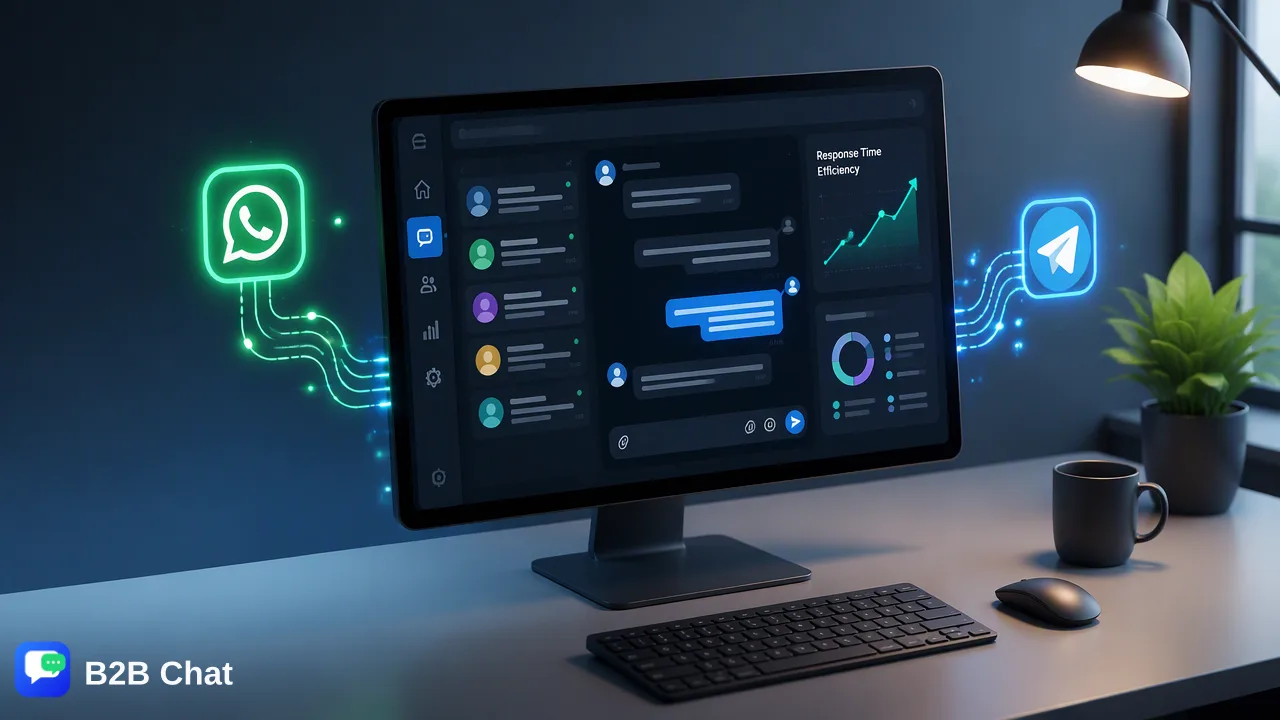
Learn how organizations integrate voice calls into a messaging-first support strategy, recognize key chat-to-voice escalation points, and streamline operations across multi-channel environments.
Voice calling integration for business messaging functions as a high-touch escalation pathway for customer conversations that exceed the efficiency of text exchanges. Rather than operating as disconnected channels, voice and social messaging complement each other within modern operations. Teams handle high-volume inquiries, routine queries, and initial intake through text channels like WhatsApp, Telegram, and LINE, escalating to direct phone calls only when an issue demands immediate emotional reassurance, rapid multi-party coordination, or troubleshooting that text cannot resolve swiftly.
The Strategic Role of Voice in Messaging-First Support
Social messaging channels—such as WhatsApp, Telegram, and LINE—have become the primary touchpoints for modern customer communications. Customers favor chat apps because they are asynchronous, accessible on mobile devices, and convenient. However, text-based communication has distinct boundaries when conversations become sensitive, highly technical, or emotionally charged. Treating voice calling as an escalation path rather than the initial entry point creates an efficient operational model. In this hybrid framework, messaging serves as the default front door. It handles general intake, qualifying questions, and transactional requests. Voice functions as a specialized escalation tool deployed intentionally when spoken dialogue provides a faster, clearer path to resolution. This structure helps organizations conserve voice agent bandwidth while ensuring customers receive personalized attention when situations demand it.
Identifying the Tipping Point for Voice Escalation
A critical challenge in hybrid support is defining the exact moment when an agent or automated system should offer a voice conversation. Without clear criteria, agents risk either escalating too quickly—overburdening phone lines—or persisting in text-based loops that frustrate customers. Teams establish standard tipping points based on measurable conversational signals:
- Turn-Count Thresholds: When an asynchronous chat thread exceeds five or six conversational turns without reaching a clear resolution, switching to voice often saves time for both parties. - Sentiment and Escalating Friction: When customer phrasing signals acute frustration, confusion, or dissatisfaction, a verbal call helps de-escalate tension through tone of voice, active listening, and direct human empathy. - Complex Diagnostic Procedures: Guiding a customer through multi-step configurations, technical troubleshooting, or sensitive account adjustments via text can lead to misinterpretation. Spoken instructions combined with real-time feedback streamline these processes. - Time-Critical Incidents: Time-sensitive business disruptions or urgent delivery adjustments benefit from the immediacy of a voice call rather than waiting for asynchronous chat responses. In environments utilizing automated first-line text responses, such as B2B Chat's AI Customer Service features that interpret incoming intent from context, unresolved intents can trigger an automated invitation for a live call, guiding customers toward voice support when text models detect multi-layered problems.
Operational Benefits of a Centralized Messaging Workspace
Managing multi-channel communication across separate tools frequently causes fragmented records and lost context. When teams handle customer chats across individual mobile applications or fragmented browser windows, switching to voice exacerbates operational silos. A centralized desktop environment provides an operational anchor for messaging workflows. B2B Chat operates as a downloadable client available on Windows and macOS, allowing businesses to aggregate multiple WhatsApp, Telegram, and LINE accounts into a single interface. By consolidating social chat channels into one location, support teams minimize application switching and maintain visibility over active customer dialogues. | Channel Workflow | Traditional Fragmented Approach | Unified Desktop Workspace | | :--- | :--- | :--- | | Account Management | Multiple physical devices or isolated browser profiles | Aggregated multi-account login in a single desktop client | | Channel Scope | Separate disconnected tools for WhatsApp, Telegram, and LINE | Centralized management across WhatsApp, Telegram, and LINE | | First-Line Triage | Manual agent review for every incoming chat message | AI-assisted first-line intent interpretation and suggested responses | | Language Handling | External copy-paste translation tools | Context-aware AI translation supporting over 200 languages | | Voice Escalation Hand-off | Agents lack visibility into preceding text context | Agents review the full messaging history before initiating voice contact | This consolidation ensures that when team members step out of the messaging inbox to place or receive a phone call, they retain a cohesive operational base to which they can return immediately after concluding the voice interaction.
Handling Inbound and Outbound Voice Escalation
Escalating between messaging and voice requires structured workflows for both inbound and outbound situations. Establishing clear operational conventions keeps communication orderly and predictable for customers. ### Inbound Call Coordination When customers request direct spoken assistance within a messaging thread, agents should confirm current availability before initiating a voice call. Sharing an agent's direct telephone line or scheduling an immediate callback within the chat window prevents missed calls and circular outreach attempts. In international messaging operations, where language barriers can complicate voice calls, B2B Chat's contextual AI translation across 200+ languages helps agents confirm the customer's preferred spoken language and location prior to transitioning out of chat. ### Outbound Escalation Protocols When an agent determines that an issue has reached the voice tipping point, standard operating procedure should dictate sending a brief preparatory message: "To resolve this efficiently, may our technical team call you at your registered phone number now?" This simple step verifies that the customer is reachable and prepared for a phone conversation, significantly reducing unanswered outbound dials. Following the conclusion of any voice interaction, the agent returns to the messaging thread in the workspace to send a concise written recap. This provides the customer with documented confirmation of what was discussed, links to relevant resources, and a natural transition back to asynchronous text support for ongoing communication.
Best Practices for Team Availability and Routing
Maintaining a successful hybrid model requires balancing agent workload across asynchronous messaging queues and synchronous voice channels. Organizations should implement structured scheduling rules to maintain responsiveness:
- Dedicated Channel Shifts: Avoid requiring individual agents to handle active live voice queues while simultaneously answering multi-channel text threads. Splitting shifts between focused voice triage and asynchronous messaging management helps maintain attention quality. 2. Clear Routing Based on Intent: Leverage messaging-first intake to categorize inquiries before routing. Automated intent understanding in the messaging workspace helps direct straightforward billing and tracking queries toward automated text responses, preserving voice-capable staff for high-priority or complex consultations. 3. Post-Call Text Closures: Formalize a protocol where every voice escalation concludes with a closing message sent through the original WhatsApp, Telegram, or LINE thread. This practice keeps the primary private-domain channel active for future engagement. By uniting organized account aggregation across major messaging platforms with intentional voice escalation rules, organizations build a responsive, scalable customer communication framework.
FAQ
When should a support team switch from chat to voice?
Support teams switch from chat to voice when an interaction reaches clear escalation triggers: repeated miscommunication across multiple message turns, high customer frustration requiring immediate human empathy, urgent operational disruptions, or multifaceted troubleshooting that text exchanges cannot resolve efficiently.
How does a unified messaging workspace improve customer service efficiency?
A unified workspace aggregates external messaging platforms such as WhatsApp, Telegram, and LINE into a single downloadable client. This centralization helps teams manage inbound and outbound dialogues in one place, reduces the friction of switching between browser tabs or mobile devices, and supports structured escalation protocols when agents transition between text and live voice interactions.
Can AI-assisted messaging and human voice support coexist effectively?
Yes. AI customer service assists by interpreting incoming customer intent and automating initial frontline text responses, while human agents take over complex inquiries. When a text thread demands voice intervention, team members step in to handle the verbal dialogue, returning to messaging channels for subsequent confirmations or follow-ups.
Learn More
Choose the product information that fits the next step in your workflow.