WhatsApp Business Directory Optimization: Guide to Local Discovery
Learn how WhatsApp Business Directory optimization improves local discovery and how teams manage incoming chat volume with centralized messaging and AI.
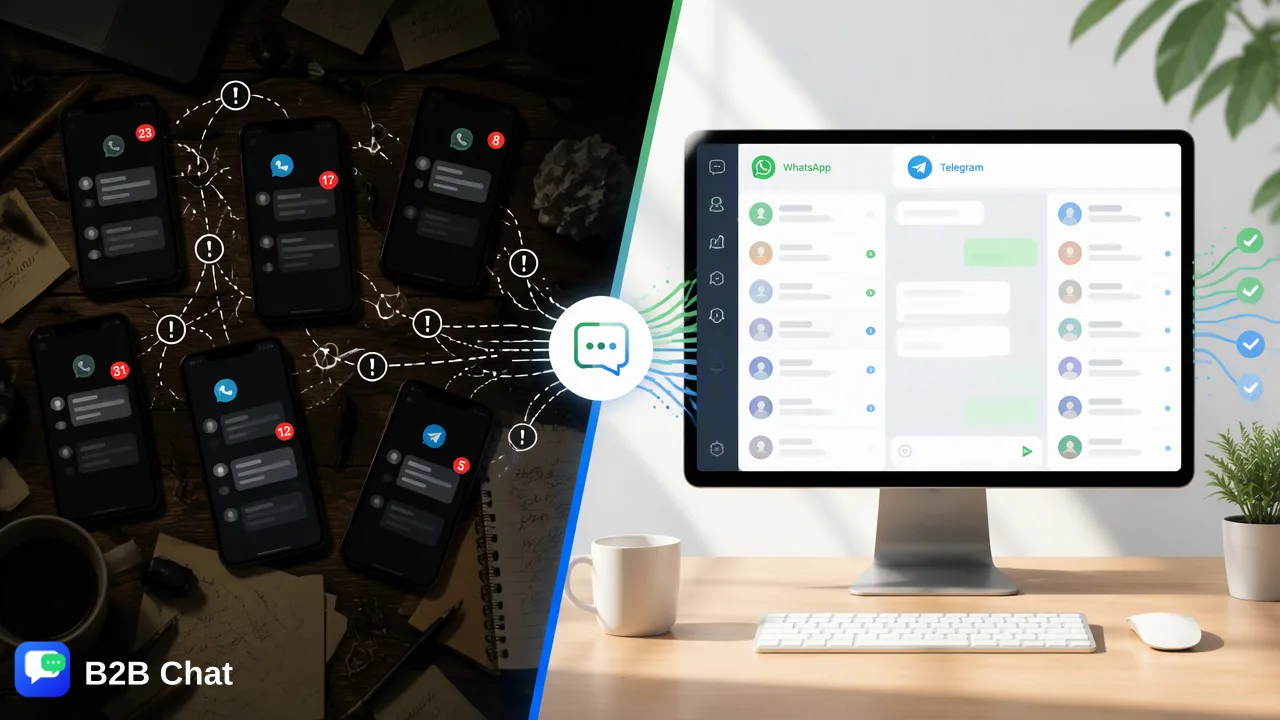
A practical operational guide to WhatsApp Business Directory optimization, detailing profile setup, location accuracy, catalog management, and handling incoming chats with centralized messaging workspaces.
WhatsApp Business Directory optimization is the operational process of refining a business profile with verified physical addresses, relevant industry categories, complete operating hours, and structured product catalogs to maximize visibility among nearby users. The directory enables consumers to search for local businesses by category or location directly inside the app without needing a pre-saved phone number. A complete profile creates a one-tap entry point for conversations, shortening the path from discovery to customer engagement. To prevent operational bottlenecks from directory-driven inquiries, teams can connect messaging channels to centralized desktop workspaces that assist first-line triage.
The Mechanics of WhatsApp Business Directory Optimization
The WhatsApp Business Directory serves as a specialized local discovery engine built directly into the messaging platform. Unlike conventional contact flows that require potential customers to manually save an international phone number or scan a QR code from an external website, the directory allows users to browse or search for nearby establishments by category, trade name, or geographic area. This framework changes how organizations structure local outreach. Location-based filtering relies heavily on proximity parameters, prioritizing businesses that provide precise address coordinates and verified local presence. When a user executes a search, the directory delivers a curated list of relevant merchants within their immediate vicinity. Each entry features a direct "Chat" action button, transforming discovery into an active conversation with a single tap. For regional retailers, service providers, and local branches, directory visibility operates as a high-intent discovery channel. Because users searching the directory are actively seeking specific services or products nearby, their initial messages typically carry strong transactional or operational intent. Aligning profile details with search intent helps local enterprises capture inbound interest that external advertising alone might miss.
Best Practices for WhatsApp Business Directory Optimization
Maximizing directory visibility and converting initial views into meaningful interactions requires deliberate profile configuration. Incomplete or ambiguous data can cause proximity-based search algorithms to overlook an account or lead prospective clients to abandon the interaction. Teams should address several key profile elements systematically:
| Profile Element | Operational Requirement | Discovery and Engagement Impact |
|---|---|---|
| Physical Address | Exact street address, postal code, and pinned map coordinates | Dictates placement in proximity-based geographic search results |
| Business Categories | Specific primary and secondary trade categories | Determines relevance when users browse industry listings without typing names |
| Company Description | Clear summary of services, key differentiators, and coverage areas | Informs users immediately upon viewing the profile preview |
| Operating Hours | Real-time opening times, holiday schedules, and time zone details | Sets clear expectations for response windows and physical availability |
| Product Catalog | Items complete with images, descriptions, and item identifiers | Enables users to browse inventory directly before tapping the chat button |
| Accurate address formatting is particularly vital. If a business operates across multiple branches or regional hubs, each profile must reflect its precise local premises rather than a generalized regional headquarters. Additionally, keeping the native catalog updated with current inventory helps incoming inquiries focus on specific items, giving operations teams clearer context from the very first message. |
Managing Post-Discovery Inquiries Across Support Workflows
Generating high visibility through directory optimization often leads to rapid spikes in incoming inquiries. When local customers tap the "Chat" button, they expect immediate engagement regarding pricing, availability, or location directions. If a business manages multiple numbers across branches, tracking these inbound threads across disparate mobile devices can cause missed messages and fragmented records. To manage this operational load, organizations can integrate their accounts into a unified desktop environment such as B2B Chat. Delivered as a downloadable client for Windows and macOS, B2B Chat enables teams to aggregate multiple WhatsApp, Telegram, and LINE accounts within a single workspace. This centralization eliminates constant device swapping and consolidates customer service queues across different operational numbers. Once conversations enter the workspace, automated tools help support agents triage high-volume messaging:
- AI Customer Service Assistance: Smart customer service capabilities interpret customer intent directly from incoming messages and dialogue context. This supports automated first-line replies for recurring questions such as business hours, address directions, or catalog availability, allowing human agents to focus on complex consultations. - Context-Aware Translation: In tourist hubs or international business centers, local discovery queries frequently arrive in unfamiliar languages. B2B Chat automatically detects languages and translates messages across more than 200 languages, adjusting expressions according to conversation context to help agents communicate clearly with international customers. By uniting directory-facing profiles with structured desktop management and first-line automation, organizations maintain responsive, high-quality customer service as discovery traffic scales.
FAQ
How does the WhatsApp Business Directory help local businesses?
The WhatsApp Business Directory functions as an in-app discovery channel where nearby users can search for services and products by category or name without knowing the company's phone number beforehand. By presenting a direct chat button alongside business details, it shortens the path between initial discovery and starting a conversation, serving as a high-intent entry point that complements existing local marketing campaigns.
What profile details are required for effective directory discovery?
Effective directory visibility requires an accurate physical address for proximity filtering, relevant business categories, standard operating hours, a high-resolution logo, and a concise business description. Maintaining an updated product or service catalog directly within the profile also provides immediate context for users evaluating offerings before initiating a chat.
How can organizations handle increased chat volume from directory discovery?
Organizations can manage higher chat volumes by connecting their WhatsApp accounts to unified messaging workspaces like B2B Chat. These environments aggregate conversations across multiple accounts on Windows and macOS clients, while AI customer service tools interpret intent from incoming messages to assist first-line responses and context-aware translation tools support multilingual visitors.
Learn More
Choose the product information that fits the next step in your workflow.