How to Add a WhatsApp Click-to-Chat Button to Your Website for Faster Lead Capture
Learn how to add a WhatsApp click-to-chat button to your website, streamline lead capture, and manage high-volume messaging across global teams.
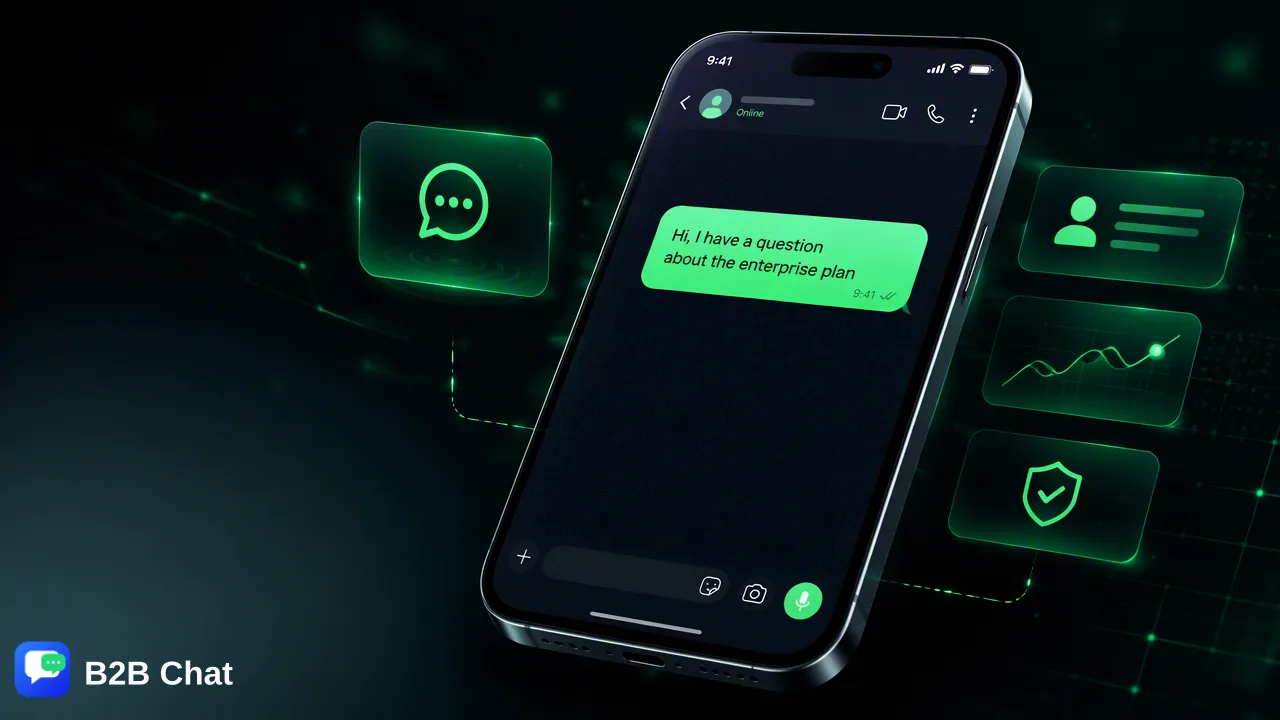
Learn how adding a WhatsApp click-to-chat button removes website lead capture friction, how to implement styled buttons and pre-filled messages, and how to manage resulting inbound conversations across global teams.
A WhatsApp click-to-chat button removes friction from website lead capture by allowing visitors to initiate direct conversations instantly rather than filling out static contact forms. By selecting an embedded button or link configured with standard international phone parameters, prospective customers launch a chat window with a pre-filled prompt on mobile or desktop. To manage the resulting influx of conversations without operational bottlenecks, organizations can funnel incoming chats into a centralized workspace such as B2B Chat, which aggregates WhatsApp, Telegram, and LINE accounts and assists response workflows with context-aware translation and AI customer service.
The Shift from Static Forms to Real-Time Messaging
Traditional website lead generation has long depended on static contact forms. While forms capture structured information, they create noticeable barriers to entry for prospective buyers. Visitors are often hesitant to complete long questionnaires, provide sensitive contact details, or wait indefinitely for an asynchronous email response. This delay frequently results in abandoned sessions and lost sales opportunities. In contrast, integrating a direct messaging mechanism establishes an immediate, high-intent communication channel. When visitors see an option to start a direct chat, they can ask specific product questions, request pricing details, or resolve purchasing doubts in real time. Replacing or supplementing static forms with direct chat tools helps organizations connect with prospects at the exact moment purchase intent is highest, creating a responsive touchpoint that fits modern customer communication habits.
Designing for Conversion: Styled Buttons vs. Simple Links
When implementing click-to-chat capabilities, teams typically choose between simple hyperlinks and styled interactive buttons. While a basic text link can direct visitors to a chat URL, it often blends into the background of a content-heavy web page, failing to draw the visitor's attention. A styled floating button or persistent badge provides significantly higher visual clarity without obstructing primary website navigation. Choosing the right design format depends on page layout and customer intent:
| Implementation Type | Typical Placement | User Experience Impact |
|---|---|---|
| Floating Action Button | Bottom-right or bottom-left corner | Remains visible across all pages, offering immediate assistance whenever needed. |
| Inline Action Button | Product pages or pricing tables | Connects directly to specific commercial queries at key evaluation steps. |
| Standard Hyperlink | Footer or contact page directory | Provides a low-profile fallback option without capturing spontaneous intent. |
| Best practices suggest placing floating buttons in the lower corner of the viewport, ensuring they do not conceal critical interactive elements such as shopping carts or navigation bars. |
Using Pre-Filled Messages and Technical Embeds
A primary benefit of the click-to-chat protocol is the ability to include pre-filled messages. When a visitor selects the button, the pre-populated text automatically appears in their input field, requiring only a single tap to send. Pre-filled text reduces the cognitive effort required for a lead to initiate conversation. Instead of wondering how to open an inquiry, the prospect is provided with a contextual prompt such as, "Hi, I have a question about the enterprise plan," or "Hello, I would like to check product availability." This prompt also provides internal teams with immediate context regarding which page or product prompted the inquiry. From a technical perspective, embedding a click-to-chat button is straightforward across standard content management systems, e-commerce platforms, and custom codebases. Most implementations require only a standardized URL structure incorporating the recipient's phone number in international format, alongside an encoded text parameter. Site owners can embed this via raw HTML snippets, lightweight JavaScript widgets, or site-wide tag managers without managing backend servers.
Managing Inbound Volume: Centralizing Multi-Account Messaging
While adding a click-to-chat button simplifies visitor outreach, it frequently leads to an operational challenge: managing the resulting surge in inbound conversations. Distributing conversations across individual team members' mobile phones or toggling between browser windows can lead to delayed responses, missed leads, and unorganized customer records. To manage high conversation volumes effectively, organizations require a dedicated operational workspace. B2B Chat provides a downloadable desktop client for Windows and macOS designed to centralize social messaging operations. Instead of isolating communications on separate hardware, teams can connect and operate multiple WhatsApp, Telegram, and LINE accounts from a single workspace. This multi-account aggregation allows customer support and sales teams to manage multi-channel inquiries side by side, maintain visibility over active conversations, and streamline team workflows without requiring complex API development.
Scaling Inbound Response with AI Assistance and Context-Aware Translation
For businesses serving cross-border ecommerce or international private-domain traffic, inbound leads often arrive at all hours and in diverse languages. Relying exclusively on manual handling can create severe response bottlenecks. B2B Chat incorporates smart customer service capabilities to assist first-line communication. The system interprets customer intent from incoming messages and existing conversation context, assisting human agents with automated first-line responses. This allows organizations to acknowledge and qualify inbound inquiries promptly while keeping support agents in control of critical customer interactions. Furthermore, global teams frequently face language barriers when leads arrive from different geographic regions. B2B Chat provides built-in AI translation covering more than 200 languages. The translation engine automatically detects incoming languages and adjusts phrasing based on conversation context, helping support staff communicate clearly with international leads without requiring external translation tools.
FAQ
Why do organizations implement a WhatsApp click-to-chat button instead of a static contact form?
Static contact forms require users to fill out multiple input fields, submit personal details without immediate confirmation, and wait hours or days for an email reply. A click-to-chat button provides an immediate, low-friction channel where visitors can ask questions directly through a messaging application they already use, supporting faster lead engagement and reducing drop-off.
How can teams manage inbound inquiries across multiple messaging channels effectively?
Relying on separate physical phones or constantly switching browser tabs creates fragmented customer records and slow response times. Teams can use a centralized client such as B2B Chat on Windows or macOS to connect and operate multiple WhatsApp, Telegram, and LINE accounts in one aggregated interface, streamlining inbound message distribution.
How does AI support customer service teams handling incoming messaging leads?
AI customer service features assist support agents by analyzing incoming message context to interpret visitor intent and drafting automated first-line replies. When operating in global markets, context-aware AI translation can automatically translate conversations across more than 200 languages, assisting teams in managing international leads without language barriers.
Learn More
Choose the product information that fits the next step in your workflow.