AI customer service for WhatsApp, Telegram and LINE, around the clock
When your customers are in another time zone, messages sent after hours often wait until the next day. B2B Chat's AI agent understands customer questions using your own knowledge base and replies — suggesting answers while your team is online and handling chats on its own when nobody is.
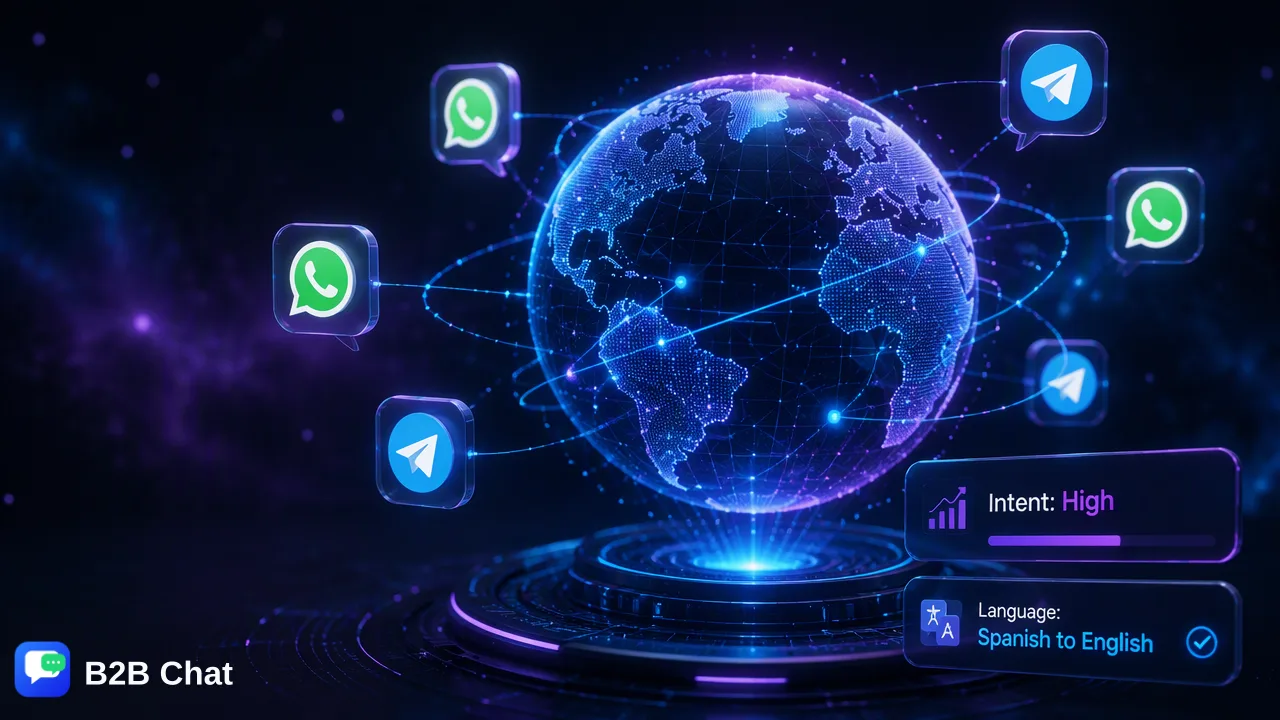
Answers from your own knowledge base
The AI agent looks up answers in your knowledge base, so replies reflect your real products, prices and processes rather than generic text. It uses the context of the whole conversation to understand what the customer is asking.
Assist mode: suggested answers for your agents
For when your team is online. The system recognises the customer's message, pulls an answer from the knowledge base as a preview, and your agent sends it in one click — so even new agents answer quickly and accurately.
Auto mode: replies when nobody is online
For when your team is away. The AI agent recognises customer messages and replies directly, so overseas customers aren't left waiting because of time differences.
Active hours and timeout takeover
Set global active hours for the AI agent; it won't respond outside them. In auto mode, if a customer's message gets no human reply within the time you set, the AI agent takes over.
Keyword auto-replies
For fixed questions, set keyword-based auto-replies with an optional delay of a few seconds so the rhythm feels natural.
Billed per reply
The AI agent is billed per reply, tiered by the size of the knowledge base sent with each reply, so costs are easy to estimate. Ports are free; see the Pricing page for rates.
Get started in three steps
- 1
Prepare a knowledge base
Collect product information, prices and FAQs, and set up an AI agent with that knowledge base.
- 2
Assign the agent
In the app, choose the AI agent for the WhatsApp, Telegram and LINE conversations that need it.
- 3
Pick assist or auto mode
Use assist mode while your team is online and switch to auto mode after hours.
FAQ
- Which platforms does the AI agent support?
- WhatsApp, Telegram and LINE conversations in the B2B Chat app.
- Will the AI agent make things up?
- It answers from the knowledge base you configure, so you control the source. For sensitive cases, start with assist mode so an agent confirms each reply before it is sent.
- Can it reply in the customer's language?
- Use it together with B2B Chat's automatic translation to talk with customers in other languages.
- How is the AI agent billed?
- Per reply, tiered by the size of the knowledge base sent with each reply. See the Pricing page for details.
Related features
- Run multiple WhatsApp accounts on one computer
- WhatsApp translator: chat with overseas customers without copy-pasting into a translator
- Indonesia customer service: serve Indonesian WhatsApp customers in your own language
- Latin America customer service: a 12-hour time difference without making customers wait