Run multiple WhatsApp accounts on one computer
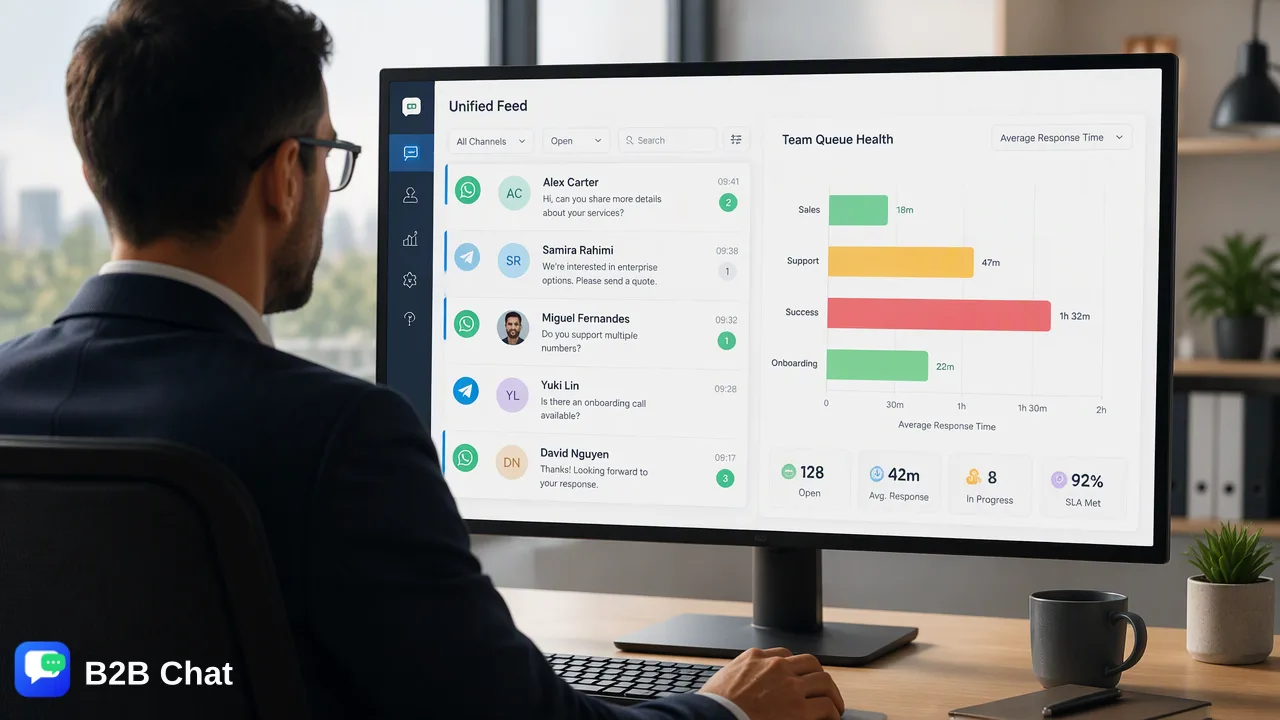
Stop switching between phones. B2B Chat puts several WhatsApp accounts into one desktop app, so every customer conversation is handled in a single window — with automatic translation. Telegram and LINE accounts can live alongside them.
Why cross-border teams need multiple WhatsApp accounts
Teams serving markets such as Indonesia or Latin America often keep separate WhatsApp numbers for different markets, product lines or agents. Switching between phones or browser tabs makes it easy to miss messages and hard to manage. With every account in one app, agents see all conversations in one place.
How it works
In B2B Chat each WhatsApp account runs in its own port. Create a port, scan the QR code with your phone to log in to WhatsApp Web, and the account appears in the app. Add as many ports as you need, and refresh all open ports of a platform in one click.
A separate proxy for each account
If accounts need different network exits, set a proxy per port. Paste the proxy details and the app fills in the protocol, host, port, username and password.
Automatic translation across accounts
Different accounts often talk to customers in different languages. With auto-translation on, incoming messages are translated into your language and your replies into the customer's, with per-conversation language settings.
Free, unlimited ports
B2B Chat doesn't charge per account or port: add unlimited ports with no time limit. You only pay per request when you use AI translation or the AI agent.
Get started in three steps
- 1
Download and sign in
Install the Windows or macOS app and sign in with your B2B Chat account.
- 2
Add WhatsApp ports
Create a WhatsApp port and scan the QR code with your phone. Add one port per account.
- 3
Turn on translation and start replying
Pick your languages in translation settings and handle every account's messages in one window.
FAQ
- How many WhatsApp accounts can I run?
- Ports are unlimited. How many you can keep open at once depends on your computer's memory and performance.
- Do I need a phone for each account?
- You scan the QR code with the phone that holds the number when you first log in. After that, day-to-day messaging happens in the B2B Chat app.
- Does it work with WhatsApp Business accounts?
- Yes. Both regular WhatsApp and WhatsApp Business accounts log in through WhatsApp Web and can be added as ports.
- Will running multiple accounts get them banned?
- B2B Chat logs in through WhatsApp Web. Whether an account is restricted depends on WhatsApp's rules and how it is used, so follow platform policies and avoid sending the same message to many unknown numbers in a short time.
Related features
- WhatsApp translator: chat with overseas customers without copy-pasting into a translator
- AI customer service for WhatsApp, Telegram and LINE, around the clock
- Indonesia customer service: serve Indonesian WhatsApp customers in your own language
- Latin America customer service: a 12-hour time difference without making customers wait