Latin America customer service: a 12-hour time difference without making customers wait
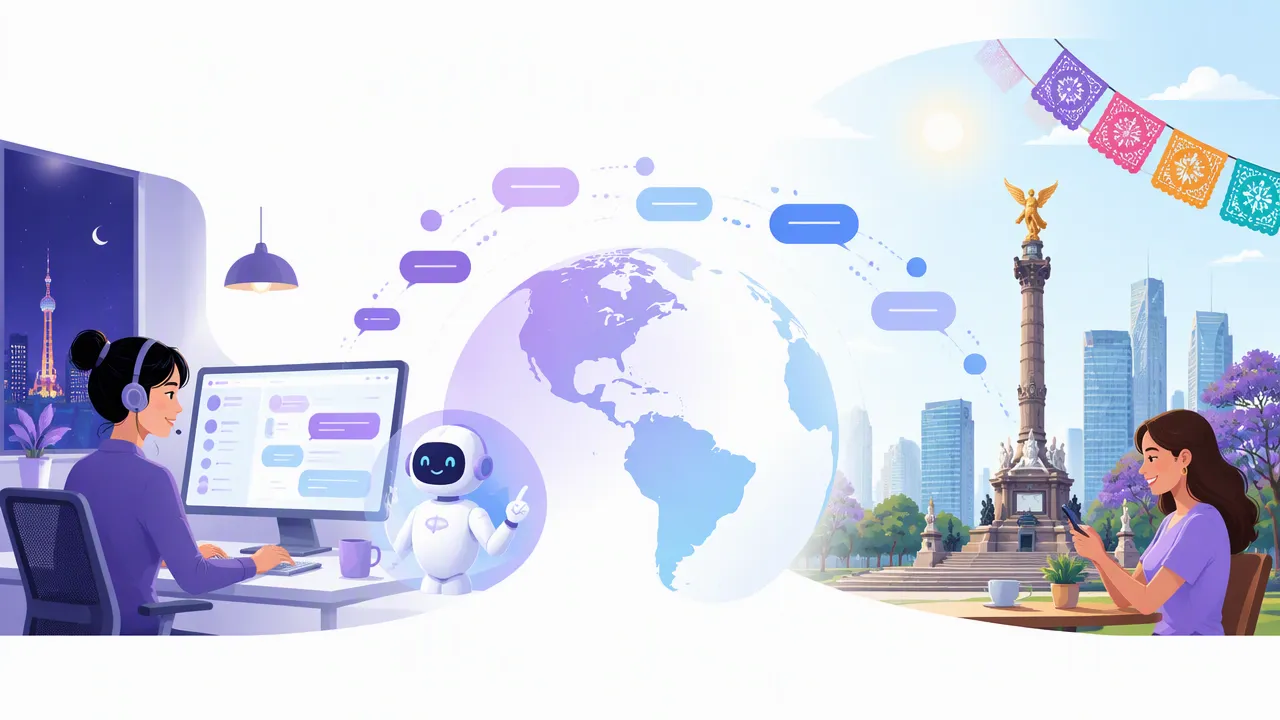
When it's daytime in Latin America, it's the middle of the night in China. B2B Chat helps teams selling into Latin America manage multiple WhatsApp numbers, translate Spanish and Portuguese automatically, and keep replying with an AI agent after the team has gone home.
Latin American customers reach businesses on WhatsApp
In Mexico, Colombia, Peru, Chile, Argentina and Brazil, WhatsApp is the main way customers contact businesses. B2B Chat brings your team's WhatsApp numbers into one desktop app, one port per number, with every conversation in one window.
Time zones are the biggest challenge
Mexico City is 14 hours behind Beijing and São Paulo 11 hours, so customers are most active after your team has left. In auto mode the AI agent replies from your knowledge base while you're away; you can also set active hours, or let it take over when a customer has waited longer than a set time without a human reply.
Spanish and Portuguese, translated automatically
Most of Latin America speaks Spanish and Brazil speaks Portuguese. Set the target language per conversation so one agent can serve both: incoming messages are translated into your language and replies into the customer's.
Faster by day, covered by night
While agents are online, assist mode suggests answers from the knowledge base for one-click replies; after hours, auto mode handles chats and agents follow up the next day.
Free ports, pay as you use
Ports are free and unlimited; AI translation and AI replies are billed per request. See the Pricing page for rates.
Get started in three steps
- 1
Add your Latin America WhatsApp numbers
Install the app, sign in, create a port for each number and scan the QR code.
- 2
Choose Spanish or Portuguese per conversation
Turn on automatic translation and pick Spanish for Spanish-speaking customers and Portuguese for Brazil.
- 3
Schedule the AI agent
Build the knowledge base and set auto mode's active hours and timeout takeover to cover your night.
FAQ
- Who replies to Latin American customers after our team goes home?
- Turn on the AI agent's auto mode to reply from your knowledge base, set active hours, or let it take over when a customer has waited longer than a set time without a human reply.
- We have both Spanish and Portuguese customers — how do we set translation?
- Set the target language per conversation: Spanish for Spanish-speaking customers, Portuguese for Brazilian customers.
- Will the AI agent give wrong answers?
- It answers from the knowledge base you configure. Run it in assist mode for a while to check answer quality before turning on auto mode at night.
- How much does it cost?
- Ports are free; AI translation and AI replies are billed per request. See the Pricing page.