LINE Translation Bots vs Translating Inside the Chat Client: Options for Sales Teams
Compare a LINE translation bot, manual message translation, and two-way translation in a desktop client for one-to-one sales conversations.
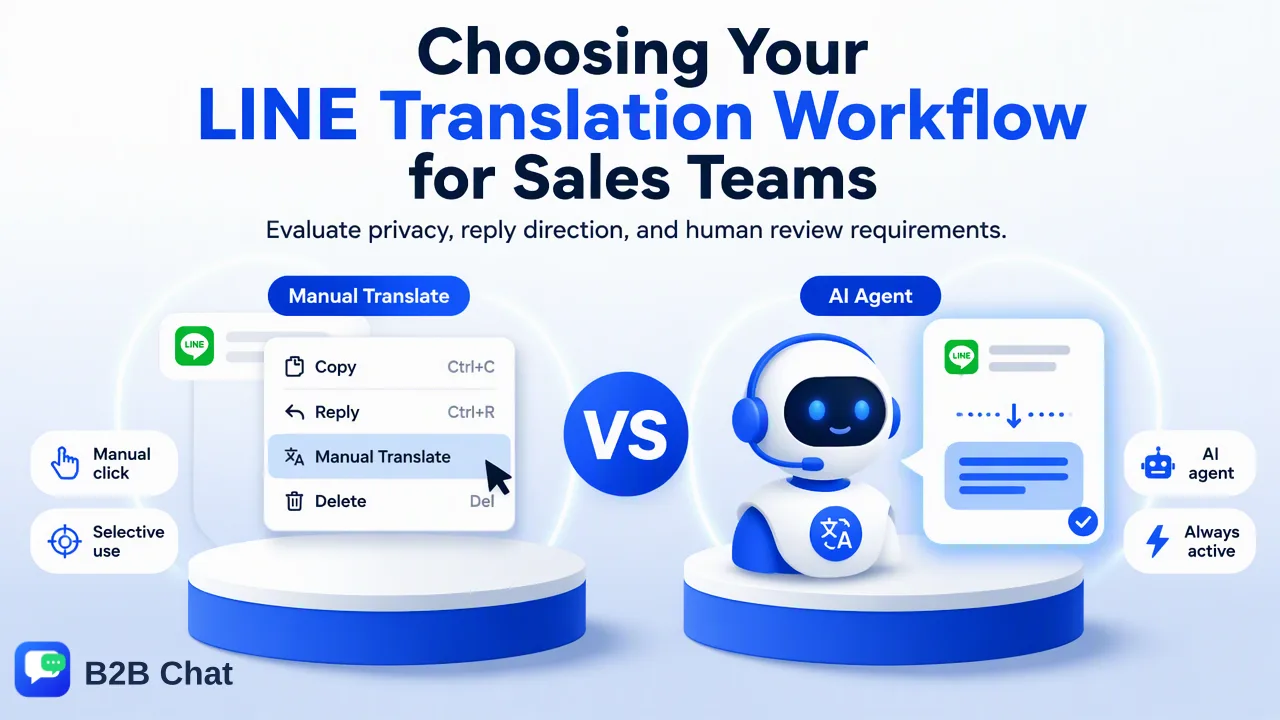
Teams should choose a LINE translation workflow by chat type, reply direction, privacy needs, and human review.
A LINE translation bot can help in a group where its account can participate, while translation inside a chat client is better suited to a salesperson handling one-to-one buyer conversations across many accounts. LINE also has a manual message translation feature, so a bot is not the only way to understand an unfamiliar message. The right choice depends on where the translation appears, whether outgoing replies are translated, and who checks the final wording.
What a LINE translation bot does in a group
A bot is a separate account or service participating in a conversation. In LINE's official developer model, an Official Account can join a group or multi-person chat when the relevant setting is enabled, and the platform sends message events to the bot. The LINE group-chat documentation explains that model. A translation service built on top of it may post translated text back to the group, depending on its configuration. That makes the bot visible to participants and can be useful when several people need to see the same translated message.
A group bot is a different workflow from a private buyer conversation. The buyer may not want another account added to a one-to-one discussion. A bot's reply may create extra lines in the thread, detach a translation from the salesperson's intended reply, or send text to people who did not need it. Teams should review the bot provider's data practices and access before using it with confidential quotations or personal details. The fact that LINE supports group bot events does not establish what any third-party translation bot does with the content.
Before adopting a bot, ask three operational questions: who can invite it, which groups receive its output, and whether participants can distinguish the original from the translation. A salesperson should also know how to stop a mistaken automated reply. If the buyer relationship happens mainly in individual chats, a group-oriented bot may solve the wrong problem.
What LINE’s own manual translation covers
LINE's help page describes a manual Translate action for a chat message on Windows and Mac: open the chat, right-click a message, choose Translate, and select source and target languages. The official LINE instructions also list supported languages and note that available pairs can vary by source language. This is a useful fallback when a staff member occasionally receives a message they cannot read.
Manual translation works best for a small volume of messages and for checking a particular phrase. It requires the person to select the message and decide how to use the output. It does not, by itself, create a team-wide rule for the customer's preferred language or ensure the outgoing answer is phrased appropriately. A salesperson can still use it to understand a key term before responding, then confirm quantities, delivery dates, and product specifications against the original text.
The decision is not simply bot versus no translation. For a team with occasional language gaps, LINE's own feature may be sufficient. For a team that handles dozens of daily messages in several languages, the repeated selection and copy process can interrupt the conversation. Measure how often staff switch tools and how many corrections they need, rather than assuming automation is always faster.
How in-client two-way translation changes a sales conversation
B2B Chat aggregates LINE, WhatsApp, and Telegram accounts in a Windows or macOS desktop client. Its Smart Translation feature automatically detects language and translates in both directions with context-aware wording across more than 200 languages. In a one-to-one LINE sales chat, that means the person can read an incoming message and prepare a reply in a familiar language within the same operating workspace. The translation page describes the capability, while the desktop download page helps teams assess whether the client fits their existing setup.
Context-aware translation is still a draft of meaning, not a contract. The salesperson should read the customer's original where possible and review key commercial terms before sending: item numbers, quantity units, currency, Incoterms, dates, address details, and whether the sentence is a question or a promise. Keep an approved glossary for recurring product names. If a phrase is ambiguous, ask the buyer for clarification instead of letting an automatic translation decide. This matters especially when a short reply such as 'yes' might be interpreted as acceptance of a delivery condition.
For multilingual teams, choose a review level by consequence. Routine availability questions can use a quick check; an amended quotation, complaint, or safety statement needs a careful human review. Two-way translation reduces copy-and-paste work but does not remove the staff member's responsibility for the message they send.
Choose by chat type, reply direction, and ownership
Use a small decision table in the operating plan: group discussion with several participants may suit an approved group bot; an occasional unfamiliar message may suit LINE's manual Translate action; frequent private buyer chats across several accounts may justify in-client two-way translation. The table should also name who can approve a new translation tool, which conversations it can access, and how staff correct a mistranslation.
Run a limited internal trial using ordinary, non-sensitive examples. Test an incoming product question and an outgoing reply. Check whether names, model numbers, and units survive both directions, whether the buyer sees any extra bot messages, and whether the salesperson can locate the original line after a handover. Do not present a test as proof of universal accuracy; language pairs and contexts vary. Keep the original message available for disputes and for staff to compare.
Finally, align the choice with the team's account model. A bot can be a useful participant in an approved group, but it does not organize several company-owned LINE accounts or customer records. B2B Chat's account aggregation and CRM console can support that coordination where a team needs it. A team using only one LINE account and one language may not need another workspace at all. The goal is a clear, reviewable conversation that the customer can follow, not the largest number of automation features.
FAQ
Can a LINE translation bot join every private customer chat?
A bot’s access depends on the LINE account type and the service configuration. LINE officially documents Official Account participation in group and multi-person chats; do not assume a group bot belongs in a private buyer conversation.
Does LINE provide a manual message translation option?
Yes. LINE documents a Translate action for messages on Windows and Mac, with supported languages and language-pair availability described in its help page.
How can staff check an outgoing translated reply?
Compare product names, units, dates, and promises against the source message and the approved business terms. Ask for clarification when the buyer’s wording is ambiguous.
When does in-client two-way translation fit best?
It fits recurring one-to-one multilingual conversations, particularly when staff handle several company-owned accounts and need to read and reply without repeatedly copying text between tools.
Learn More
Choose the product information that fits the next step in your workflow.