Phone Clone Apps or a Desktop Client? Multiple WhatsApp Accounts on Phone vs Computer for Sales Teams
Compare the official second account, dual-app clones and a desktop workspace for sales teams running several WhatsApp numbers, and when each fits.
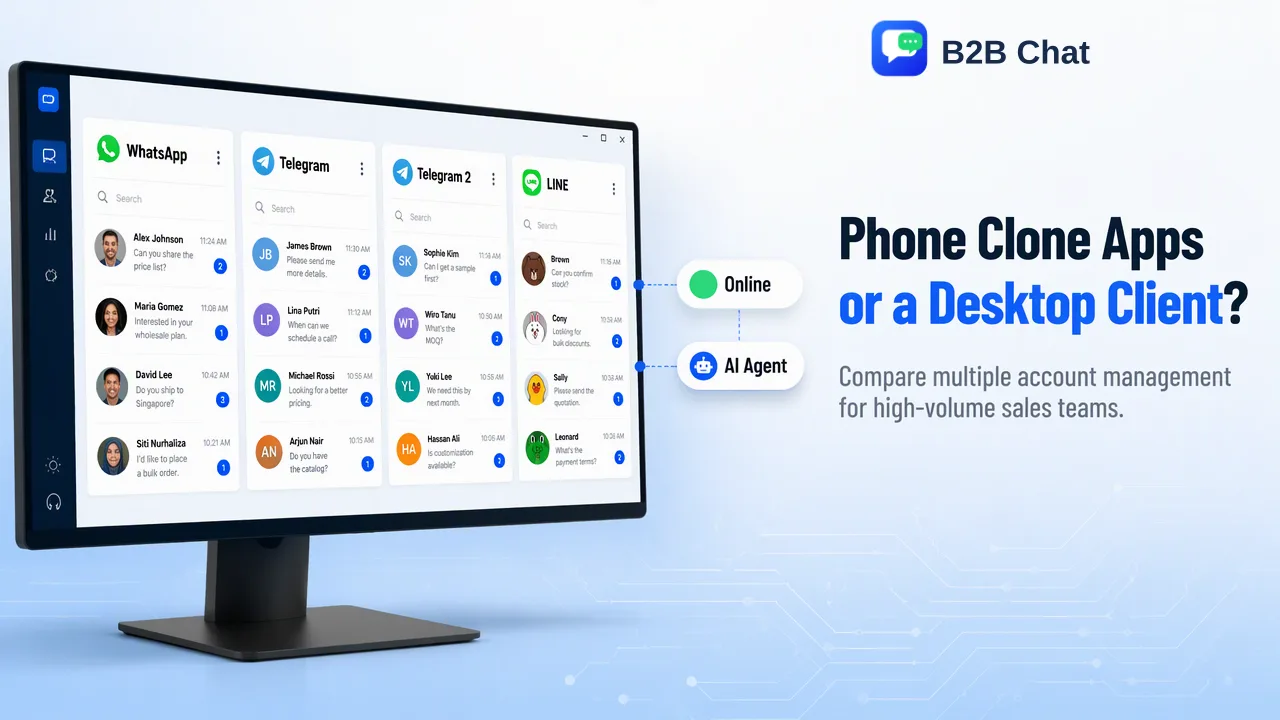
A practical comparison of running several WhatsApp accounts on phones versus a computer, covering typing speed, translation, supervision, staff handover and device dependence.
For multiple WhatsApp accounts, phone vs computer comes down to how many numbers one person handles and who needs to see the conversations. A phone works for one or two numbers: WhatsApp's official app now holds two accounts, and dual-app features on some Android phones can add another. Once a team runs three or more company numbers, types long replies in a second language, or needs a manager to review chats and hand them over when staff change, a desktop workspace on a computer is usually the more workable place. Phones are still needed to register and verify each number.
What each phone option actually gives you
There are three common ways to put more than one WhatsApp account on a phone, and they are not equal.
The official second account. WhatsApp's own app supports two accounts on one phone. According to the WhatsApp announcement of multiple accounts, the second account needs its own phone number and SIM, or a phone that supports multi-SIM or eSIM, and is added from Settings with "Add account". Privacy and notification settings are kept separately for each account. This is the cleanest option for a salesperson who wants a work number next to a personal one.
Dual-app or clone features built into the phone. Some Android manufacturers ship a system feature that runs a second copy of an app. It is a phone setting, not a WhatsApp feature, so availability and behaviour depend on the brand and model, and it still means two numbers competing for one small screen.
Third-party clone or modified apps. These are the risky route. WhatsApp's help page on unofficial apps describes altered versions built by third parties as a breach of its Terms of Service, and its page about account bans notes that a temporary ban message can mean an unofficial version is in use. For a company number that carries customer history, this is not a trade worth making.
So the realistic phone ceiling for most teams is two accounts per device, plus whatever dual-app space the hardware allows. Beyond that, teams start buying extra phones and passing them around the office.
Multiple WhatsApp accounts on phone vs computer: a side-by-side comparison
Most ranking guides stop at how to install the second account. For a sales team the more useful question is what daily work looks like on each setup.
| Factor | Phones (official second account or dual-app) | Desktop workspace on a computer |
|---|---|---|
| Numbers per person | Usually one or two per device; more means more phones | Several company numbers side by side in one window |
| Typing long replies | Thumb typing; slow for quotes, specs and shipping terms | Full keyboard, copy and paste from price lists and documents |
| Replying in another language | Switch to a separate translation app and paste back | Two-way translation inside the chat window |
| Manager visibility | The manager has to borrow the phone or ask for screenshots | Conversations sit in one workspace a supervisor can review |
| Staff handover | Chats live on the departing person's device | Company-owned accounts stay with the business when staff change |
| Shared answers | Each person keeps their own notes | A shared reply library everyone uses |
| Device dependence | A lost, broken or personal phone takes the work with it | The phone is still needed for registration; daily work moves to the computer |
The table is not an argument against phones. It shows where the friction appears: once the work involves several numbers, written detail and more than one person, the phone becomes a bottleneck rather than a tool.
When phones are still the right choice
Phones remain the better option in a few clear situations:
- A single salesperson with a work and a personal number. The official two-account feature covers this without extra software.
- Field sales and trade shows. When the job is meeting buyers in person, photographing samples and sending a quick voice note, the phone is the natural device.
- Registration and verification. Every WhatsApp number is registered on a phone with its own SIM or eSIM. A computer setup does not remove this step, so teams should plan where the registration phones are kept and who controls them.
- Low volume. If an account receives a handful of messages a day, a dedicated workspace adds setup without much benefit.
A common mixed setup is to keep company phones in the office for registration, verification codes and occasional calls, while staff answer messages from computers.
When a computer workspace fits better
The computer side starts to win when any of these are true:
- One person covers three or more numbers. For example, separate numbers for each marketplace, product line or country. Switching between phones, or between accounts inside one app, slows response times and causes replies to land in the wrong chat.
- Replies are long and detailed. Export sales work involves quotations, Incoterms, specifications and shipping documents. A keyboard and a large screen are simply faster.
- Buyers write in other languages. Teams selling to Indonesia or Latin America answer in Bahasa Indonesia, Spanish or Portuguese all day. A WhatsApp chat translator built into the conversation removes the copy-paste loop between apps.
- A manager needs oversight. Reviewing tone, checking that quotes match the price list and spotting unanswered chats is much easier when conversations are in one place.
- Staff turnover is real. If a salesperson leaves with the only device holding a key buyer's chat, the history goes with them.
WhatsApp's own desktop app and WhatsApp Web mirror one account linked to a phone, which helps with typing but does not by itself combine several numbers. Running many company numbers side by side is what a multi-account desktop client is built for.
How B2B Chat handles several accounts on one computer
B2B Chat is a desktop client for Windows and macOS that aggregates WhatsApp, Telegram and LINE accounts in one window, with automatic two-way translation across 200+ languages inside each conversation. The WhatsApp multi-account management page describes the workspace in more detail. Points that matter for this comparison:
- Ports are currently open and not billed by count or usage time. That is not a promise of a literally unlimited ceiling, so plan capacity with the team for large deployments.
- The client runs the messaging sessions; the web consoles manage them. The CRM console covers account and device management, activation codes, customer records, support seats, a reply library and sensitive-word controls.
- Activation codes can be tied to one device or left unrestricted, which helps a manager decide whether a working session runs only on an office computer.
- Phones are still used to register numbers. The desktop client is where daily conversations happen, not a replacement for the registration step.
The client is free to download, so a team can test its own numbers on one computer before moving everyone.
Common mistakes when moving from phones to a computer
- Moving personal numbers instead of company numbers. Handover only works if the business owns the numbers. Register sales numbers on company SIMs before moving them.
- Treating more accounts as permission to send more. WhatsApp's Messaging Guidelines prohibit bulk messaging and automation used to harm the service or its users. A desktop workspace organizes conversations; it does not change the platform's rules.
- Skipping a reply library. Without shared answers, five people give five versions of the shipping policy.
- Leaving registration phones unmanaged. Keep a simple register of which phone and SIM belongs to which number, and who can access it.
- Switching everyone at once. Pilot with one or two numbers, check that translation and reply habits work, then move the rest.
FAQ
Can one phone run more than two WhatsApp accounts officially?
WhatsApp's official app supports two accounts on one phone, each with its own number. Some Android phones add a dual-app feature at the system level, but third-party modified apps break WhatsApp's Terms of Service and can lead to bans, so teams needing more numbers usually add devices or move daily work to a desktop workspace.
Do teams still need phones if they answer WhatsApp on a computer?
Yes. Each number is registered and verified on a phone with its own SIM or eSIM. The computer is where conversations are answered, translated and reviewed, while the phones handle registration and verification.
How can teams decide between phones and a desktop client?
Count the numbers per person, check how much of the work is long written replies or translation, and ask whether a manager needs to review chats or take them over when staff leave. One or two numbers with light traffic suit phones; several company numbers with shared oversight suit a desktop workspace.
Does running accounts on a computer reduce the risk of restrictions?
The device does not change WhatsApp's rules. Restrictions are linked to behaviour such as unsolicited or bulk messages and user reports, so consent, relevant replies and steady pacing matter on any device.
Learn More
Choose the product information that fits the next step in your workflow.