How to Translate Telegram Group Chats and Channels for Buyer Support
Learn to read foreign-language Telegram groups and channels, prepare buyer replies, compare built-in translation and bots, and review important terms.
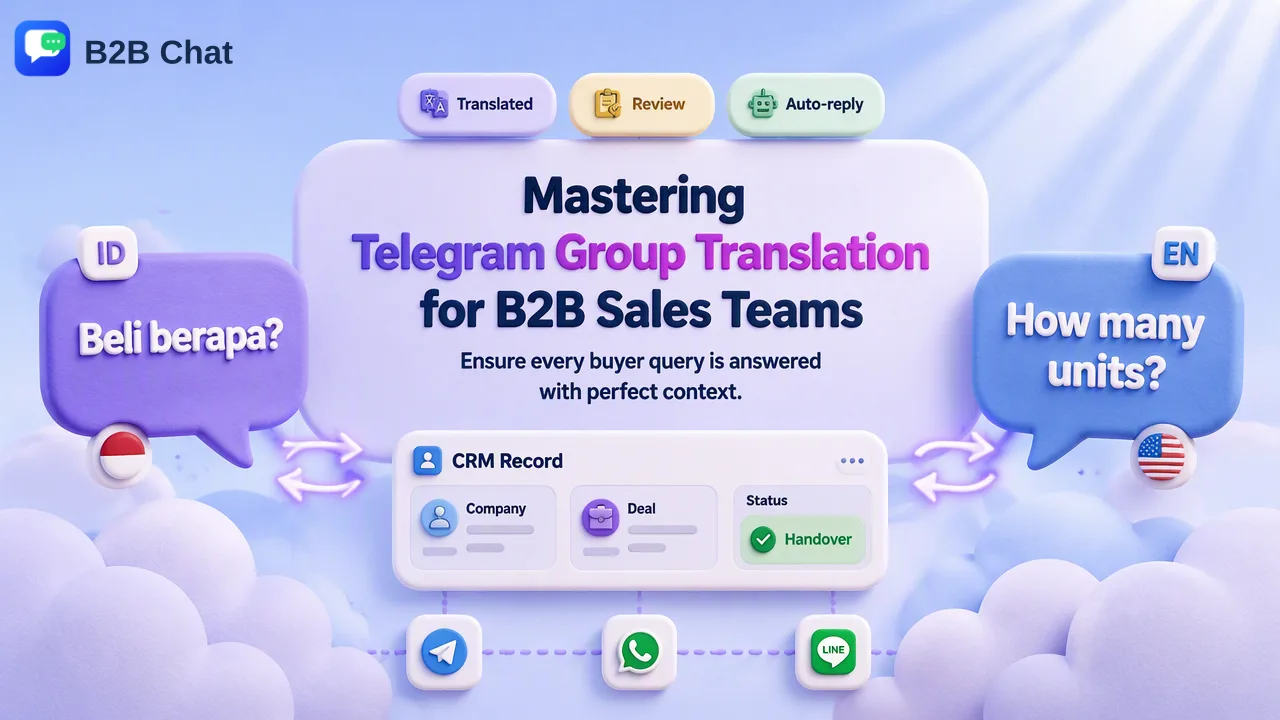
Group translation is a reading task; a buyer reply is a separate writing and review task.
To translate Telegram group chats, enable the app’s Translate button for individual messages or use Premium’s whole-chat translation bar where available. Channels have another option: an owner can enable auto-translation for visitors. Teams should still review the original message and the outgoing reply, especially when a group discussion includes prices, specifications or several speakers.
Translate Telegram group chats with built-in tools
Telegram’s original translation guide explains that Settings > Language adds a Translate action to a selected message. This works well when only a few posts in a group need interpretation. A teammate can read the original post, translate that post, and keep the reply tied to its author and thread. Excluded languages may hide the action. Telegram notes that language availability depends on the phone’s operating system, and its Apple requirement is iOS 15 or later.
For a group with a steady stream of foreign-language posts, Telegram documents a Premium translation bar that translates entire chats, groups and channels in real time. A team should confirm which accounts have Premium rather than assuming the bar is visible on every seat. A translated stream is convenient for scanning questions, but the original remains the source for exact wording. If a buyer uses a colloquial product name, a translated display may make it look like a standard catalog item when it is actually a request for clarification.
A channel is different from a group: followers generally consume posts rather than conduct an ordinary multi-person sales conversation there. Telegram says channel owners can enable auto-translation for visitors. That helps readers follow posts in their preferred language. It does not establish who should answer a customer who later contacts the sales team.
Should a team add a translation bot to a group?
A bot is a separate participant, not the same thing as Telegram’s built-in Translate action. Telegram’s Bot API documentation describes how bots receive updates in chats and the conditions that affect which group messages they can see. Before adding any translator bot, group administrators should inspect its permissions, privacy setting and provider, and ask whether the group’s participants are comfortable with it. Do not assume a bot can see every post or that it is suitable for confidential quotations.
Bots can be helpful when a group explicitly wants translated posts visible to its members. They can also add duplicate text to an already busy discussion, and their output may be mistaken for a person’s reply. Decide whether translation belongs in the shared group or only in the staff member’s reading view. For a buyer group where several sellers participate, a private reading view or staff-side translation often creates less noise than posting an automated translation beneath every message.
| Option | Who sees the translation? | Best fit | Check before use |
|---|---|---|---|
| Single-message Translate | The staff member using it | Occasional foreign-language posts | Source wording and context |
| Premium whole-chat translation | The Premium reader | Continuous group or channel reading | Account access and original text |
| Group translator bot | Depends on the bot and group setup | Groups that want shared translation posts | Permissions, privacy and message clutter |
| Translation in a staff desktop client | The staff using the workspace | Reading and replying across several accounts | Outgoing wording and account selection |
Read, reply and hand off in the right order
First, identify the exact message that needs an answer. A group may contain several buyers discussing similar products at once. Note the sender, the time and the message being addressed. Translate the question, then recheck the original if it contains an item number, delivery date, measurement or condition. If the question is incomplete, ask for the missing detail in the group rather than inferring an answer.
Second, decide where to answer. A general clarification may belong in the group; a personalized quote or account-specific issue may need a private conversation, subject to the group’s rules and the buyer’s preference. Write an answer that points back to the question, without copying another member’s information into a different chat. Translate the outgoing text and have a speaker review terms that affect a purchase. The same principle applies to a channel discussion connected to a post: distinguish the channel’s published information from a direct buyer commitment.
Third, preserve context for the next staff member. A short customer record can state what was asked, which source message was reviewed and what remains open. A handover should include uncertainty, not merely the translated sentence. If the buyer later changes quantity, the next responder needs to know that an earlier quote was provisional.
Use a desktop workflow when several Telegram accounts are involved
B2B Chat runs multiple Telegram accounts in one desktop client and provides two-way, context-aware translation. For a team that reads several group conversations and then replies from different sales accounts, this keeps translation close to the account and conversation in use. Staff can use customer records and support seats to organize follow-up without expecting translation alone to manage ownership.
A practical test is to take one typical group inquiry in each language the team handles. Ask one staff member to read it, another to review the proposed answer, and a third to pick up the conversation from the record. Note any point where speaker identity, product terminology or the chosen account becomes unclear. Update the team’s process before increasing volume. Telegram’s built-in tools may already be enough for light reading; the shared desktop workflow matters when routing and outgoing language are the harder parts.
FAQ
How can teams translate a Telegram group without adding a bot?
Enable single-message translation in Settings > Language or use Premium whole-chat translation when available. Both are reader-side options documented by Telegram.
How can teams decide whether a group bot is appropriate?
Review the bot provider, permissions and how its posts appear to group members. Use it only when shared translation is wanted and the group’s information can be handled that way.
How can teams reply to the correct buyer in a busy group?
Tie the answer to the source message and sender, check product identifiers, and record any detail that remains unresolved before another teammate takes over.
How can teams translate Telegram channels?
Premium readers can translate a whole channel; Telegram also documents owner-enabled auto-translation for channel visitors. Neither substitutes for reviewing a direct sales reply.
Learn More
Choose the product information that fits the next step in your workflow.