How to Use Two or More WhatsApp Accounts on One Laptop for Work
Compare the official two-account option, browser profiles and a multi-account desktop client for running work WhatsApp numbers on a single laptop.
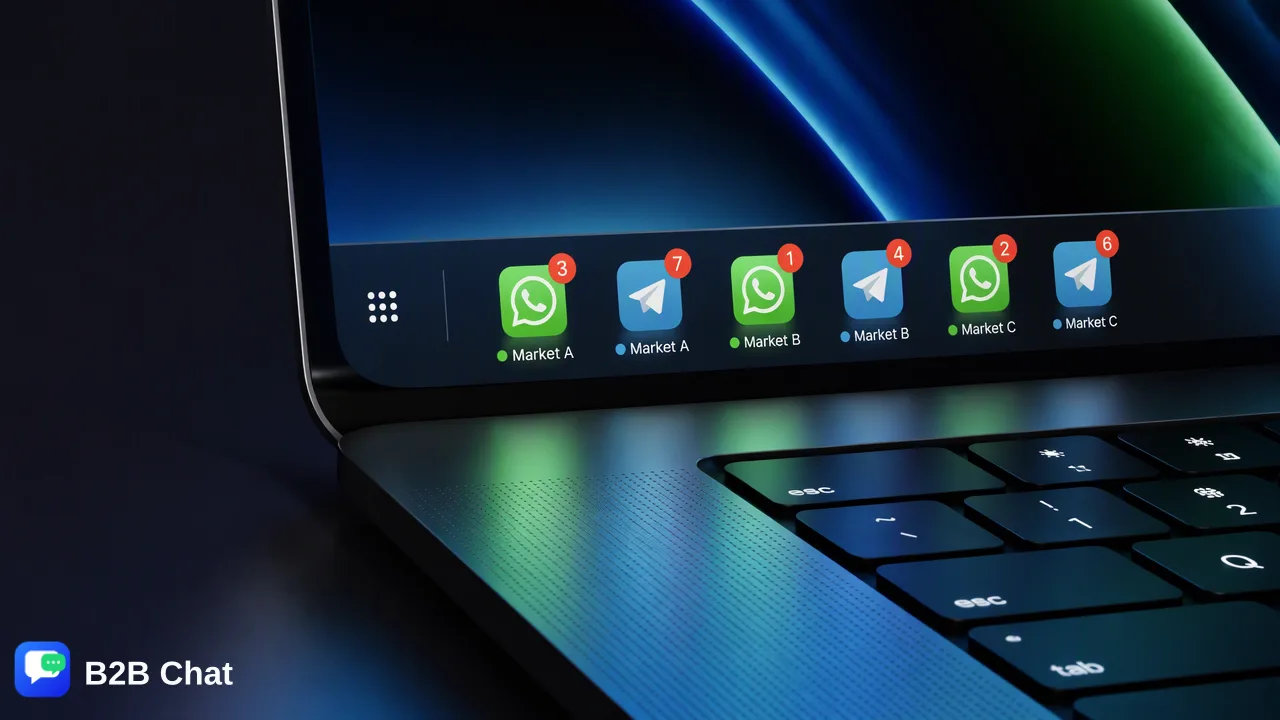
A step-by-step guide to running two or more work WhatsApp accounts on one laptop, comparing the official app, separate browser profiles and a multi-account desktop client on notifications, switching and team handover.
You can run two WhatsApp accounts on one laptop by linking each number as its own session: one in the WhatsApp desktop app and a second in WhatsApp Web inside a separate browser or browser profile, or both inside a multi-account desktop client. Opening a second tab in the same browser profile does not work, because both tabs share the same WhatsApp Web session. Each account still needs its own phone number registered on a phone, since the phone is what links new devices. For one or two numbers the free methods are fine; once a business runs more numbers, notifications, switching and staff handover become the real problem.
What you need before setting up two WhatsApp accounts on one laptop
Every method below rests on the same WhatsApp rule: a laptop does not create an account, it shows an account that was registered on a phone. According to the WhatsApp desktop download page, the primary phone is needed to register the account and to link new devices, and up to four devices can be linked to that phone at a time.
Before you start, check three things for each number:
- A registered phone. Each work number is active in WhatsApp or WhatsApp Business on a phone. WhatsApp's own two-account feature on the phone needs a second number with its own SIM card, or a phone that supports multi-SIM or eSIM.
- A free linked-device slot. If staff have already linked the number to old laptops or tablets, remove unused sessions in Linked devices on the phone first.
- A supported operating system. The download page lists Windows 10 64-bit version 1903 or later and macOS 11 or later for the desktop app; other systems use WhatsApp Web in a browser.
Write down which number belongs to which team member or market before linking anything. Most later confusion comes from not knowing which window holds which customer list.
Method 1: The WhatsApp desktop app plus WhatsApp Web
This is the quickest free setup for two accounts and uses only official WhatsApp software.
- Install the WhatsApp desktop app from the download page or your app store and open it. It shows a QR code.
- On the phone with the first number, open Settings > Linked devices > Link a device and scan the code. The linked-devices update also describes linking by entering the phone number on WhatsApp Web and confirming a one-time code on the phone.
- Open a browser you do not use for the desktop session, go to web.whatsapp.com and link the second number the same way from the second phone.
- Rename the browser window or pin it to a different spot on the taskbar so staff can tell the accounts apart.
WhatsApp has announced two accounts logged in at the same time in its phone apps, first on Android and later on iOS, through Settings > Add account. The desktop download page does not describe an account switcher, so check the settings of your installed desktop version before assuming the phone feature carries over to the laptop.
Method 2: Separate browsers or browser profiles for each WhatsApp account
To go beyond two accounts without extra software, give every number its own browser profile. Chrome, Edge and Firefox each keep cookies and storage per profile, so each profile holds a separate WhatsApp Web session.
- Create one profile per number and name it after the number or market, for example "WA Indonesia 01".
- Open web.whatsapp.com in that profile and link it from the matching phone.
- Allow notifications per profile in the browser's site settings, otherwise some accounts stay silent.
- Keep each profile signed in only to the work accounts it needs.
This method costs nothing, but it scales poorly. Five profiles mean five windows, five notification streams and no shared view of who answered what. If a browser clears site data, the session is logged out and has to be linked again from the phone.
Method 3: A multi-account desktop client for several WhatsApp numbers
A multi-account desktop client keeps several messaging sessions in one window with a sidebar for switching. B2B Chat is one example: its Windows and macOS client aggregates WhatsApp, Telegram and LINE accounts and opens several sessions of each side by side. Ports are currently open and not billed by count or usage time, though that is not a promise of an unlimited account ceiling.
What changes for a team is less the login step than the work around it:
- One window, many numbers. Staff switch accounts from a list instead of hunting for browser windows.
- Translation in the conversation. The client offers two-way, context-aware translation across 200+ languages, which matters when the numbers serve buyers in different countries. See the WhatsApp chat translator page for how it works.
- Management outside the chat window. A separate CRM console holds account and device management, support seats, customer records and a shared reply library.
Each account is still registered on a phone with its own number, and the client does not change WhatsApp's own rules on messaging behaviour. The client is a free download from the download page.
Comparison: notifications, switching and team handover
| Criteria | Desktop app + WhatsApp Web | Browser profiles | Multi-account desktop client |
|---|---|---|---|
| Practical number of accounts | Two | A handful, then cluttered | Several in one window |
| Notifications | Separate per app or browser | Per profile, easy to mute by accident | Collected in one client |
| Switching | Alt-Tab between windows | Between profile windows | Sidebar list |
| Translation | Received messages only, through WhatsApp's own feature on phones | Browser extensions, per profile | Built-in two-way translation |
| Handover when staff change | Re-link on the next person's laptop | Re-create profiles | Accounts and records stay in the company workspace |
| Cost | Free | Free | Free client, usage-billed AI features |
The free methods are a good fit for a freelancer or a founder with one personal and one work number. A business running numbers per market or per sales rep usually hits the handover problem first: when a rep leaves, the conversations linked on that rep's laptop leave with the laptop unless the account belongs to the company and is managed centrally.
Common mistakes when running several WhatsApp accounts on one computer
- Using a second tab in the same profile. Both tabs share one session; the second account never appears.
- Running modified WhatsApp builds. The WhatsApp Help Center lists unofficial versions of the app among the reasons an account can be temporarily banned, so read WhatsApp's guidance on third-party apps before connecting a number to any tool.
- Ignoring the primary phone. Linked sessions depend on the phone; if the primary phone stays inactive for a long time, companion devices are logged out.
- No naming convention. Label every window, profile or client account with the number and owner.
- Personal numbers for sales. Customer history on a rep's personal number is hard to keep when that rep moves on.
FAQ
Can two WhatsApp accounts be open on one laptop at the same time?
Yes. Each account needs its own session: the desktop app for one number and WhatsApp Web in another browser or browser profile for the second, or both inside a multi-account client. Notifications arrive for each session separately.
Does a second WhatsApp account on a laptop need a second phone number?
Yes. A laptop shows an account that is registered on a phone, so every account needs its own number registered in WhatsApp on a phone that can link devices.
How can teams manage more than two WhatsApp numbers on one computer?
Browser profiles work for a few numbers but become hard to follow. Teams with more numbers often move to a multi-account desktop client that lists all sessions in one window and keeps customer records and seats in a shared console.
What happens to the linked WhatsApp sessions if the phone is offline?
Linked devices keep working for a while, but WhatsApp logs companion devices out if the primary phone is inactive for a long time. Keep the registered phones charged and online.
Learn More
Choose the product information that fits the next step in your workflow.