WhatsApp Desktop vs WhatsApp Web for Sales Teams: Which Fits Daily Work?
Compare WhatsApp Web and Desktop for sales work, linked-device access, notifications, multiple numbers, and when a team workspace helps.
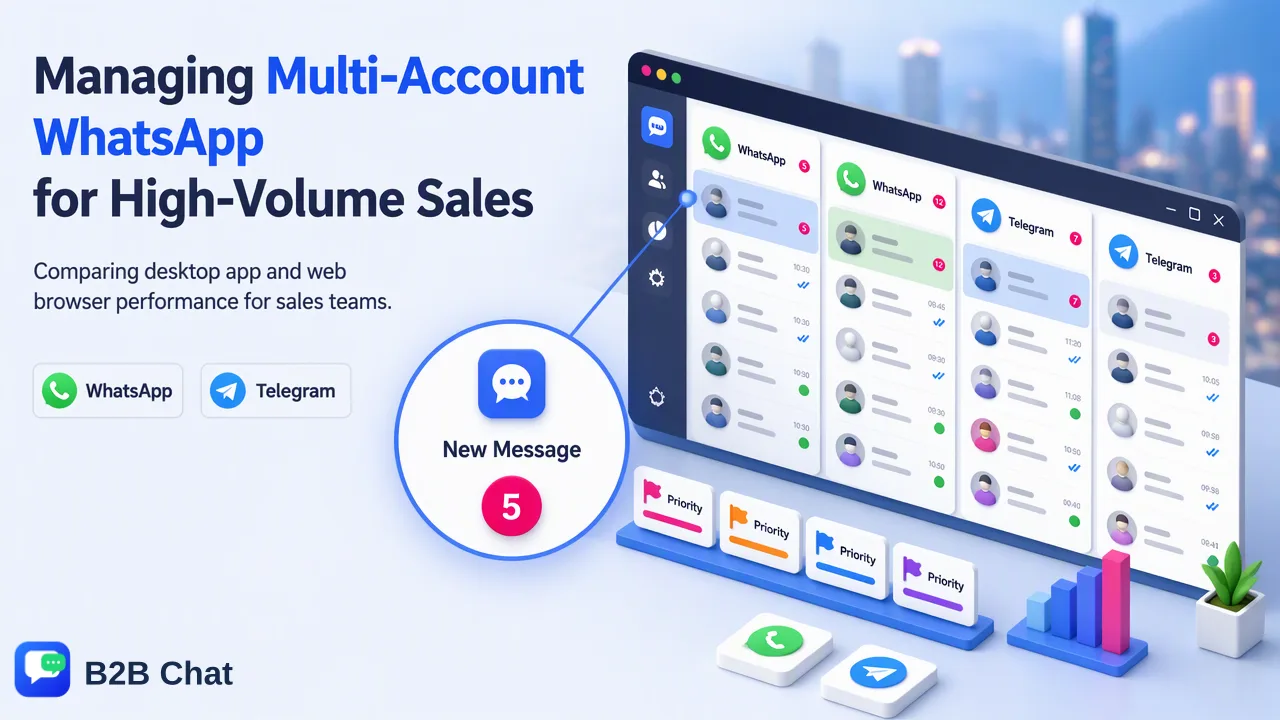
A task-based comparison of official WhatsApp computer routes and multi-account team needs.
WhatsApp Desktop vs WhatsApp Web for sales teams comes down to the work environment: Web runs in a supported browser, while Desktop is an installed computer app, and both are linked to the account. Either can serve a person working one number. When staff handle many numbers and share buyer context, account ownership and team workflow matter more than the choice of window.
WhatsApp Desktop vs WhatsApp Web for sales teams: the real choice
WhatsApp Web is the browser route to a linked account. WhatsApp Desktop is an installed app for Windows or Mac. For a salesperson working one number, the better choice often depends on the computer they use and whether the organization permits an installed app. Neither route changes the identity of the WhatsApp account or creates a shared team inbox by itself. Compare them against the work the team performs, not against a claim that one version automatically improves sales.
WhatsApp's linked-device help describes Web, Windows, and Mac as linked devices. Its guidance says teams should check linked devices regularly and unlink sessions they do not recognize. The linked device is not the primary device for the account. WhatsApp's connection troubleshooting discusses browser compatibility and refreshing the Web page when connection problems occur. Those are concrete differences for an IT checklist: a browser route depends on a supported browser and its session, while a desktop route depends on an installed client maintained on the computer.
Use Web when a browser-based work session fits policy and the user can keep track of the tab and account. Use Desktop when the team prefers a dedicated app window and can install and update it. Notification behavior should be verified on each operating system with the team's own settings. Do not choose a route on the assumption that every browser or desktop notification will always appear. Operating-system permissions, focus modes, and session state matter in practice. A short pilot with real work is more useful than a feature matrix copied from an old review.
Compare daily tasks rather than marketing claims
Start with the number of accounts a person must handle. Web and Desktop each expose a linked session for an account; neither is a substitute for naming which salesperson owns which customer conversation. A team running several numbers can quickly lose track of which tab or window belongs to which market. If a rep regularly switches among numbers, record the owner, market, and purpose of each account before adding more sessions. A browser profile or app window can help a person distinguish sessions, but it does not create customer records or shared response standards.
Next consider continuity. WhatsApp says linked devices can work without the primary phone remaining online, subject to its current linked-device requirements. Its link-by-phone-number guidance describes linking on supported Web and Windows routes and notes that the primary phone must be used periodically to keep linked devices connected. A manager should use the current official help page when setting up a team, because linked-device details can change. The operational point is to maintain legitimate access to the primary account, review linked sessions, and document who may relink them. A worker leaving should trigger an account-access review, regardless of whether the worker used Web or Desktop.
Then compare the cost of context switching. A single person answering a few chats may find either route sufficient. A multi-market sales desk needs staff to see which account and buyer they are answering, preserve customer context, and use consistent replies. Those are team-process needs rather than Web-versus-Desktop properties. A switch between official clients alone will not solve duplicate replies, unanswered handovers, or inconsistent product wording.
A practical selection checklist for an overseas sales desk
For each salesperson, list the numbers used during a normal shift and the number of computers on which they need access. Test Web in a supported browser and Desktop on the same computer, using the same real account with authorized access. Observe how quickly the worker identifies the correct account, finds an unfinished buyer question, and notices an incoming message. This is a local usability check, not a benchmark or a claim about platform performance. Record the actual friction the team sees rather than assuming the installed version is faster.
Check IT and security requirements next. On a shared computer, a persistent Web tab may remain accessible after the shift unless the person logs out. An installed app can also remain signed in. In either route, the team needs a sign-out and device-review routine. WhatsApp's device-review instructions show how to inspect and unlink unknown linked sessions. Pair this with an internal rule for who holds the primary phone and who can approve a new device. Do not rely on a browser close action alone as a universal sign-out policy.
Finally, test the response workflow. Ask a staff member to answer an inbound product question, hand it to a colleague, and return the next day to find the result. If the team cannot tell who replied or what was promised, the gap is ownership and records, not a missing desktop shortcut. Define an account owner and a customer-record convention before changing software. In a multilingual team, include a wording review for translated product terms as part of that handover.
When a multi-account desktop workspace becomes relevant
A team may move beyond the Web-versus-Desktop choice when the same shift involves many WhatsApp numbers or a mixture of WhatsApp, Telegram, and LINE. B2B Chat's multi-account management aggregates those supported messaging accounts in a Windows or macOS client. Its CRM console includes customer records, support seats, a reply library, and account and device management. These capabilities answer a different question: how staff coordinate work across accounts. They do not change WhatsApp's own linking rules or provide a guarantee about account safety.
Set up a small trial around concrete work. Assign two accounts with different owners, record a customer handover, and compare whether staff can find the correct conversation and approved reply. Identify where a manager needs to review sensitive wording and where a customer record is useful. If the team also translates chats, the translator page is relevant to that separate requirement. Avoid evaluating every capability at once; the decision here is whether the account workload justifies a shared desktop workspace.
The simplest decision rule is task-based. Choose Web for an authorized browser session that meets a person's daily needs. Choose the official desktop app for a dedicated installed session when that fits the computer and staff preference. Consider a multi-account workspace when account switching, customer records, and shared replies become regular team work. Maintain access controls, review linked sessions, and keep messaging relevant to buyers under every option.
FAQ
How can teams decide between WhatsApp Web and Desktop?
Test both with an authorized account on the actual computers used at work. Compare account identification, message visibility, handover, and the organization’s installation policy.
Can teams use Web and Desktop without maintaining the primary account?
Both are linked-device routes. Teams should maintain access to the primary account and follow current WhatsApp linked-device requirements, including periodic primary-phone use where documented.
How can teams manage several WhatsApp numbers on one computer?
Assign an owner and purpose to every number. If switching sessions and maintaining shared customer context becomes routine, consider a documented multi-account workspace and test it with real team tasks.
Do desktop notifications remove the need to review conversations?
No. Notification delivery depends on local settings and session state. Teams should check unanswered conversations and handovers directly rather than assuming every alert was seen.
Learn More
Choose the product information that fits the next step in your workflow.