WhatsApp Translate Not Working? A Business Chat Troubleshooting Guide
Check rollout, device, language pair and downloaded languages when WhatsApp Translate is missing, then choose a repeatable two-way chat workflow.
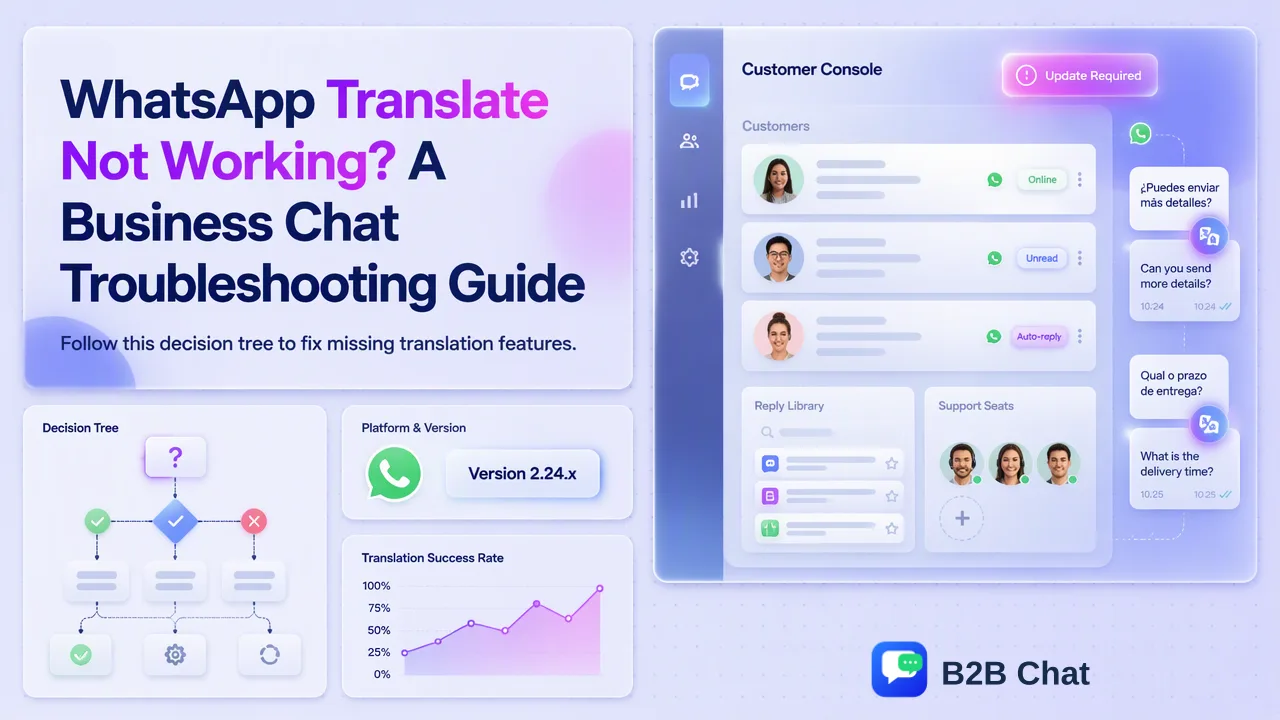
A decision tree for teams whose WhatsApp message translation option is missing or impractical.
If WhatsApp Translate is not working, first check whether the message translation feature has reached that device and whether the needed language pair is offered. WhatsApp introduced the feature through a gradual Android and iPhone rollout, with different initial language availability, so a missing option is not necessarily a problem with the message. For daily business chats, teams should also decide how they will translate the reply and review important details before sending.
WhatsApp Translate not working: identify what failed first
“Translate not working” can mean several different things. The Translate command may be absent from the message menu. It may be present, but the source or target language is missing. A language download may not be complete. Or a translated incoming message may be readable while the team still has no practical way to prepare a reply in the buyer’s language. Each case needs a different next step.
Begin with an ordinary text message in a real chat. Meta’s announcement of message translations says users can long-press a message and select Translate. Check the menu on the device actually used for customer work. If the option is absent, note the phone type and WhatsApp version before making any broader claim about the account. If it appears, inspect the offered languages and follow the app’s language-download prompt where applicable. Test a short, low-risk message and compare the result with the original.
Keep the test specific. A colleague on another operating system may see a different menu, and a tutorial published at launch may describe an earlier language list. The official announcement said the feature was rolling out gradually on Android and iPhone and would start with selected languages. That is stronger evidence for a staged availability check than any blanket promise that every user can translate every language today.
Check rollout, app version and device separately
When the command is missing, confirm that staff are testing the mobile WhatsApp app described in the announcement. Do not assume a feature demonstrated on a phone is present in every web or desktop experience. Check for an available app update through the device’s normal app store, then reopen the same message. Record whether the command appears after the update. Avoid deleting a business chat or reinstalling an app as a first troubleshooting step; that is a disruptive change and is not needed to distinguish a missing menu from a missing language.
If an up-to-date app still lacks Translate, the published gradual rollout remains a plausible explanation. The team cannot force an account to receive a feature by changing the wording of the message. Use an alternative translation process for current customer work and revisit the feature later. Do not promise a rollout date, since Meta’s announcement does not set one for each account.
Separate translation from the language used by WhatsApp’s interface. The WhatsApp Help Center page on changing the app language concerns interface language and notes that availability can differ by platform or region. Changing the menu language is not the same thing as adding a missing message-translation language pair. A team should identify which setting it is actually changing so it does not mistake a translated interface for translated customer text.
Check the language pair and downloaded language
If Translate appears but the buyer’s language is missing, inspect the list shown on that device. Meta described a small initial Android set and a larger iPhone set when the feature launched. The current options may differ as the product evolves; the menu is the practical source for that staff member. A team that handles Vietnamese, Indonesian, Spanish and Portuguese chats should test each required pair separately instead of assuming one successful English-to-Spanish translation covers all markets.
Meta’s WhatsApp product blog says users choose the languages they want to translate from or to and download them for future translations. If the app prompts for a download, complete that step and retest a short text message. If the selected pair is unavailable, repeated attempts to translate that same message will not create support for it. Record the missing pair and give staff a documented fallback.
A successful translation also needs context review. Short buyer messages often depend on earlier replies: “yes” may answer a price question, a size question, or a request to ship a sample. A staff member should read the surrounding thread before acting. Translation can expose the likely meaning of a sentence, but it cannot decide which commercial commitment the business is authorized to make.
When incoming translation works but replies still stall
WhatsApp’s built-in feature is useful for understanding a selected incoming message, and Meta described automatic translation for future incoming messages in a chat on Android. A business workflow must also prepare outgoing text. If the salesperson copies a response into another app, pastes a translation back, and repeats this for every customer, the translation feature may be functioning technically while the overall process remains slow and error-prone.
Define a two-way process: read the customer’s original and translated text, draft the answer against verified product information, translate the reply, then review the outgoing wording and numbers. For routine conversations, B2B Chat’s Smart Translation provides automatic language detection and context-aware two-way translation in its Windows and macOS desktop messaging client. Its WhatsApp translator page describes the relevant product route. The team still needs human review for quotations, specifications, delivery conditions and any question the translation leaves ambiguous.
A shared workflow also helps when different staff cover the same account. Keep the preferred customer language and unresolved question with the customer record, so the next person does not restart a chat with an unrelated template. An approved reply library can reduce inconsistent wording, while staff adjust each response to the actual conversation. This is distinct from promising that translation will be perfect or that an AI reply will resolve every case.
Choose a fallback that matches the amount of customer work
For an occasional message, a staff member may use a separate translation tool and manually review the result. The tradeoff is extra copying and context switching. For daily multilingual work across several WhatsApp accounts, a managed desktop workspace can reduce tool switching and keep the two directions of the exchange together. B2B Chat supports WhatsApp, Telegram and LINE account aggregation; the desktop client download page is the relevant place to inspect that workflow. It is a Windows and macOS client, not a browser-only chat product.
Before changing the whole team’s process, run a small review with real, low-risk conversations. Test a greeting, a product question, a clarification request and a handover. Ask a fluent reviewer whether the translated text preserves the customer’s meaning and whether the proposed reply sounds appropriate. Then define which topics always need staff approval. A repeatable review step is more valuable than claiming one tool never makes mistakes.
Finally, document the outcome of troubleshooting in plain language: “Translate missing on this device,” “language pair unavailable,” “download incomplete,” or “incoming works but outgoing review is needed.” That record tells the next shift what to do without turning an uncertain cause into a false technical diagnosis. Recheck the official feature periodically, but keep the customer conversation moving through the team’s approved fallback in the meantime.
FAQ
Why is the Translate option missing in WhatsApp?
Meta introduced message translation through a gradual mobile rollout. Check the menu on the current device and app version; a missing command does not by itself identify a problem with the message.
Can teams enable every language by changing the WhatsApp interface language?
No. Interface language and the message-translation language pair are separate questions. Inspect the languages offered by Translate on the device used for the chat.
What should teams do if a language download is requested?
Complete the language download offered in WhatsApp and retest a short text message. If the required pair is absent, use an approved fallback for that conversation.
Does incoming message translation prepare the outgoing reply?
A translated incoming message helps staff understand a buyer. Teams still need to draft, translate and review the reply, especially for numbers and commercial commitments.
Learn More
Choose the product information that fits the next step in your workflow.