How to Run Multiple WhatsApp Accounts on One Computer: A Practical Guide for Cross-Border Teams
Compare the common ways to run several WhatsApp numbers and learn how to manage multiple WhatsApp, Telegram and LINE accounts in one desktop app.
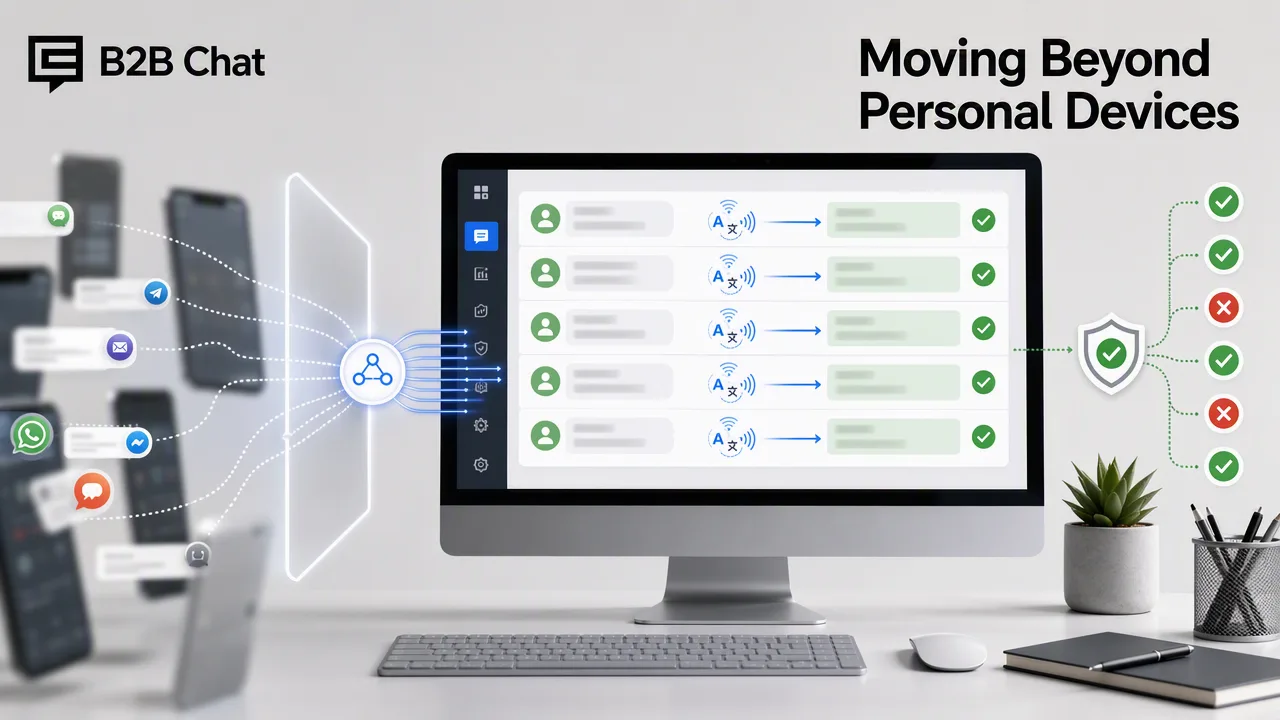
In one sentence: the easiest way for a team to run several WhatsApp numbers is a desktop app that puts every account in one window, one port per number, with per-account proxies and translation when you need them.
Teams selling into Indonesia, Latin America or the Middle East rarely use a single WhatsApp number. Typically there is one number per market, one per product line, and one per agent. Once you have several, the first question is simple: how do you stay logged in to all of them and reply on time?
The common approaches and their problems
One phone per number. The most basic and most common setup. With a row of phones on the desk, agents pick them up and put them down all day, messages get missed, and handing over a shift means handing over the phones.
Clone or dual apps on a phone. You get one or two extra accounts at most, the screen is small, typing is slow, and it isn't built for a full day of customer conversations.
Several WhatsApp Web tabs. One browser normally holds only one WhatsApp Web session, so you end up juggling different browsers or private windows, with no unified notifications.
The shared problem is that accounts are scattered. Agents have to go looking for messages instead of having them brought to one place.
Bringing accounts together in a desktop app
A better fit for teams is a dedicated desktop app that holds every account in one window. With B2B Chat's WhatsApp multi-account feature, it works like this:
- Each account runs in its own port. Create a port, scan the QR code with your phone to log in to WhatsApp Web, and the number appears in the app. Add one port per number.
- Every conversation in one window. Messages from all numbers are notified and handled in the same app, so nobody switches between phones.
- Telegram and LINE too. If some markets prefer Telegram or LINE, add those accounts as ports and manage them alongside WhatsApp.
Ports are unlimited and free. How many you can keep open at once depends on your computer's memory and performance; teams with many numbers can spread ports across several computers and agents.
Three things to set up next
1. Proxies, where needed. If numbers need different network exits, set a proxy per port. Paste the proxy details and the protocol, host, port, username and password are recognised automatically.
2. Message translation. Different numbers often serve customers who speak different languages. With incoming translation on, Indonesian or Spanish messages appear in your language; with outgoing translation on, your reply is sent in the customer's language. See our translation setup guide.
3. Quick replies and auto-replies. Turn frequent questions about prices, delivery and returns into saved quick replies, or set keyword auto-replies. After hours, an AI agent can keep answering from your knowledge base.
Will running multiple accounts get them banned?
This is one of the first questions teams ask. To be clear: B2B Chat logs in through WhatsApp Web, and whether an account is restricted depends on WhatsApp's own rules and how the account is used. No tool can guarantee an account will never be banned.
Safer habits include:
- Use a new number for normal conversations for a while before sending many outbound messages;
- Avoid sending the same message to large numbers of unknown contacts in a short time;
- Let customers come to you (put your WhatsApp contact on ads, profiles and product pages) rather than broadcasting one-way.
Who should centralise their accounts
It's worth bringing your accounts together if any of these apply:
- You run three or more WhatsApp numbers;
- Agents work in shifts and accounts change hands;
- Customers are spread across markets with different languages;
- Overseas customers keep messaging after your team has gone home.
B2B Chat runs on Windows and macOS. Download the app, sign in and start adding ports. Ports are free; you only pay per request for AI translation and AI replies — see Pricing.